
Introduction
Not just the best iPhone ever, but also the one with the 'biggest camera update ever' - that would be this year's iPhone 13 Pro, which we have here in Max size. Joining those larger and better cameras, we have a high refresh rate display, more battery, the mandatory chipset upgrade - the 13 Pro Max ticks all the boxes for improving everything that's important. We're here to see by just how much.
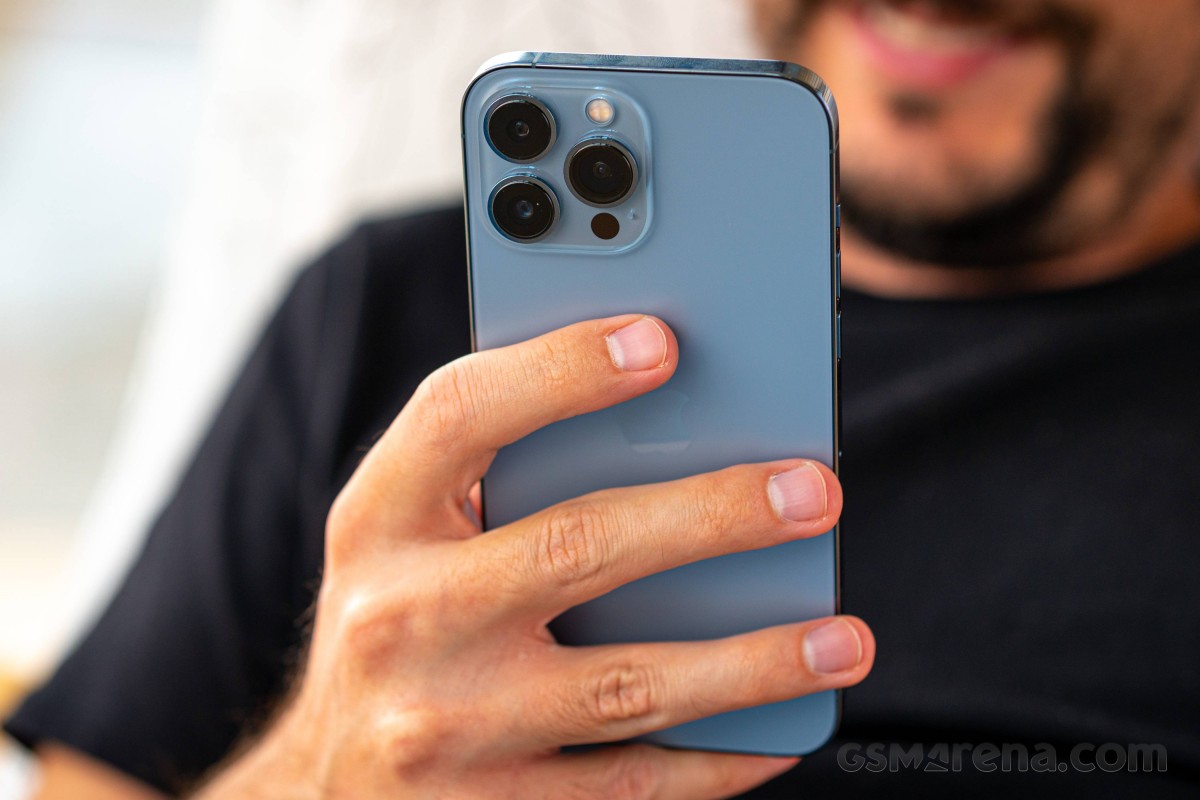
The advancements in the camera system start with a new primary unit with a bigger sensor and a brighter lens. The ultrawide module also sports a brighter lens, but one that features autofocus - a first for an iPhone ultrawide. Then there's the telephoto which now offers improved reach up to 3x, albeit with a slightly dimmer lens. On the front, things have remained the same, and no, the 20% reduction in notch size doesn't count.
Finally giving in to market trends, Apple's fitted the 13 Pro and Pro Max with 120Hz displays - or, rather, ProMotion. They're the adaptive kind, theoretically capable of variable refresh rates to reach all the way down to 10Hz to preserve battery. That's in addition to an already great screen feature set that includes DolbyVision support, plenty of brightness and excellent color rendition.
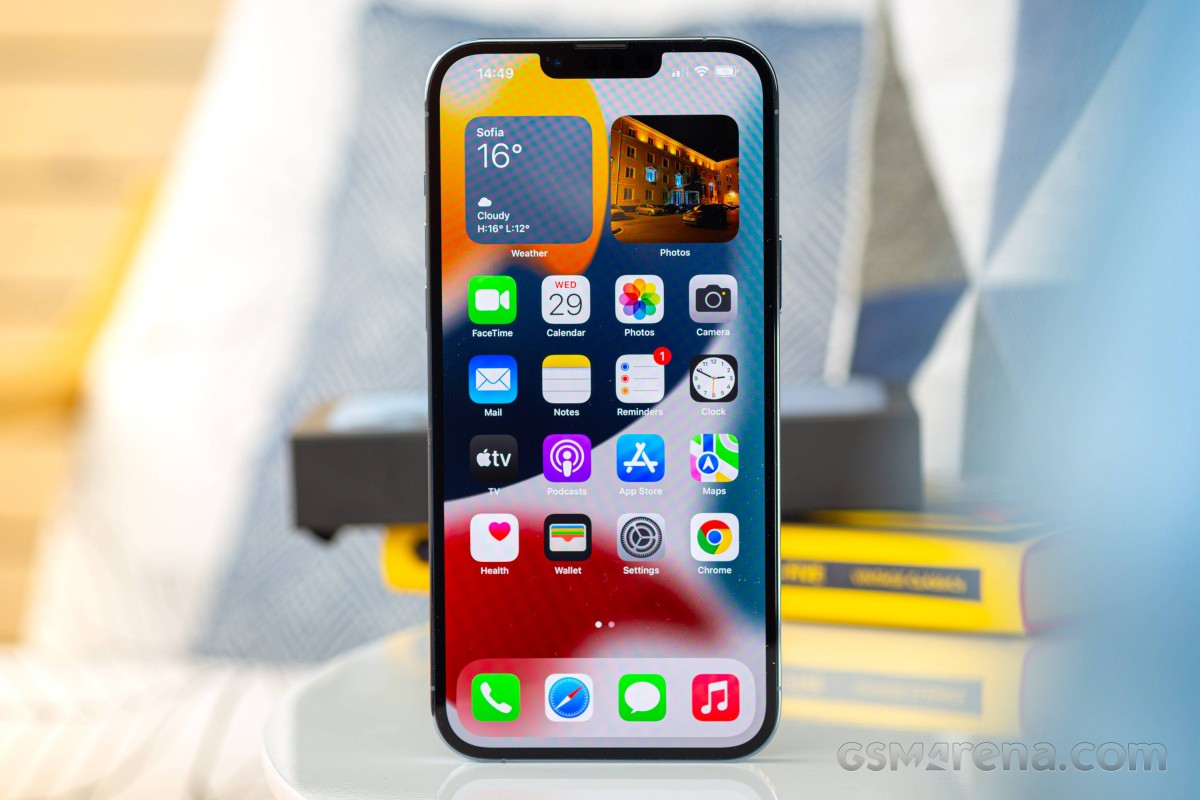
2021 iPhones all come with increased battery capacity, and in the 13 Pro Max' case, that's an 18% bump - 2.5 hours more than last year's Pro Max in Apple's metrics, or 'longest battery life ever on an iPhone', and all that.
As usual, a new year means an upgraded chipset, and alongside freshly named CPU cores and higher clock rate, the A15 in the 13 Pros also comes with an extra GPU core on top of the non-Pros. Somewhat related, the 13 Pro Max can be specced with up to a full 1TB of storage - that should be useful for iPhone filmmakers if no one else.
Here's a few of the other more important specs.
Apple iPhone 13 Pro Max specs at a glance:
- Body: 160.8x78.1x7.7mm, 240g; Glass front (Gorilla Glass), glass back (Gorilla Glass), stainless steel frame; IP68 dust/water resistant (up to 6m for 30 mins), Apple Pay (Visa, MasterCard, AMEX certified).
- Display: 6.70" Super Retina XDR OLED, 120Hz, HDR10, Dolby Vision, 1000 nits (typ), 1200 nits (peak), 1284x2778px resolution, 19.47:9 aspect ratio, 458ppi; Wide color gamut, True-tone.
- Chipset: Apple A15 Bionic (5 nm): Hexa-core (2x3.22 GHz Avalanche + 4xX.X GHz Blizzard); Apple GPU (5-core graphics).
- Memory: 128GB 6GB RAM, 256GB 6GB RAM, 512GB 6GB RAM, 1TB; NVMe.
- OS/Software: iOS 15.
- Rear camera: Wide (main): 12 MP, f/1.5, 26mm, 1.9µm, dual pixel PDAF, sensor-shift OIS; Telephoto: 12 MP, f/2.8, 77mm, PDAF, OIS, 3x optical zoom; Ultra wide angle: 12 MP, f/1.8, 13mm, 120˚, PDAF; Depth: TOF 3D LiDAR scanner.
- Front camera: Wide (main): 12 MP, f/2.2, 23mm, 1/3.6"; Depth: SL 3D.
- Video capture: Rear camera: 4K@24/30/60fps, 1080p@30/60/120/240fps, 10‑bit HDR, Dolby Vision HDR (up to 60fps), ProRes, Cinematic mode, stereo sound rec; Front camera: 4K@24/25/30/60fps, 1080p@30/60/120fps, gyro-EIS.
- Battery: 4373mAh; Fast charging 20W, 50% in 30 min (advertised), USB Power Delivery 2.0, MagSafe wireless charging 15W, Qi magnetic fast wireless charging 7.5W.
- Misc: Face ID, accelerometer, gyro, proximity, compass, barometer; NFC; Siri natural language commands and dictation, Ultra Wideband (UWB) support.
Apple iPhone 13 Pro Max unboxing
This one is easy - there's not a whole lot to unbox. The slimline packaging introduced in 2020 (with barebones contents too) is now followed up with the removal of the plastic sleeve as this year's contribution to the environment.
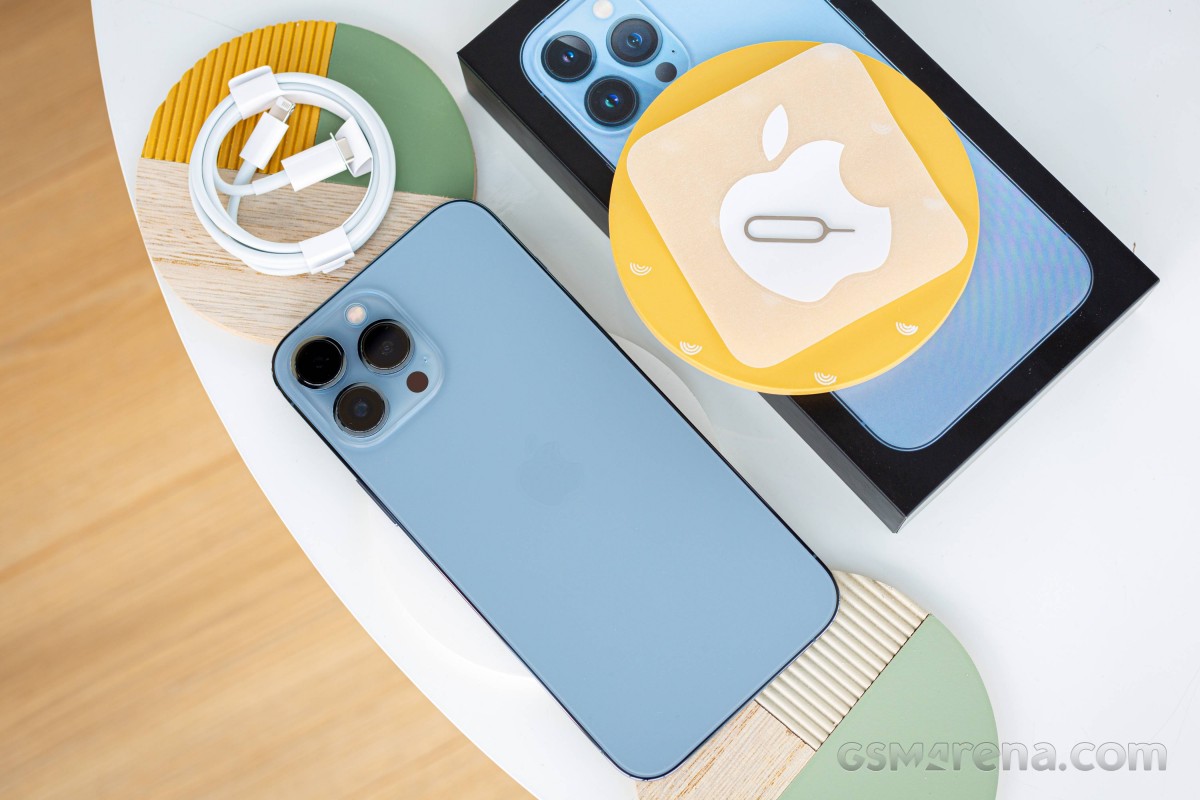
Inside, you'll find the phone, a USB-C to Lightning cable, and a paper sleeve containing documentation, a single Apple sticker and the SIM tray removal pin. All in all, Apple's standard issue stuff.
Design, build quality, handling
What would have made a huge difference is if 2021 iPhones didn't have notches in their displays at all. Instead, we got a half-hearted attempt at alleviating the issue by reducing the notch... by a mere 20%. And really, this year's lineup is all about this sort of minute improvements in almost every aspect.
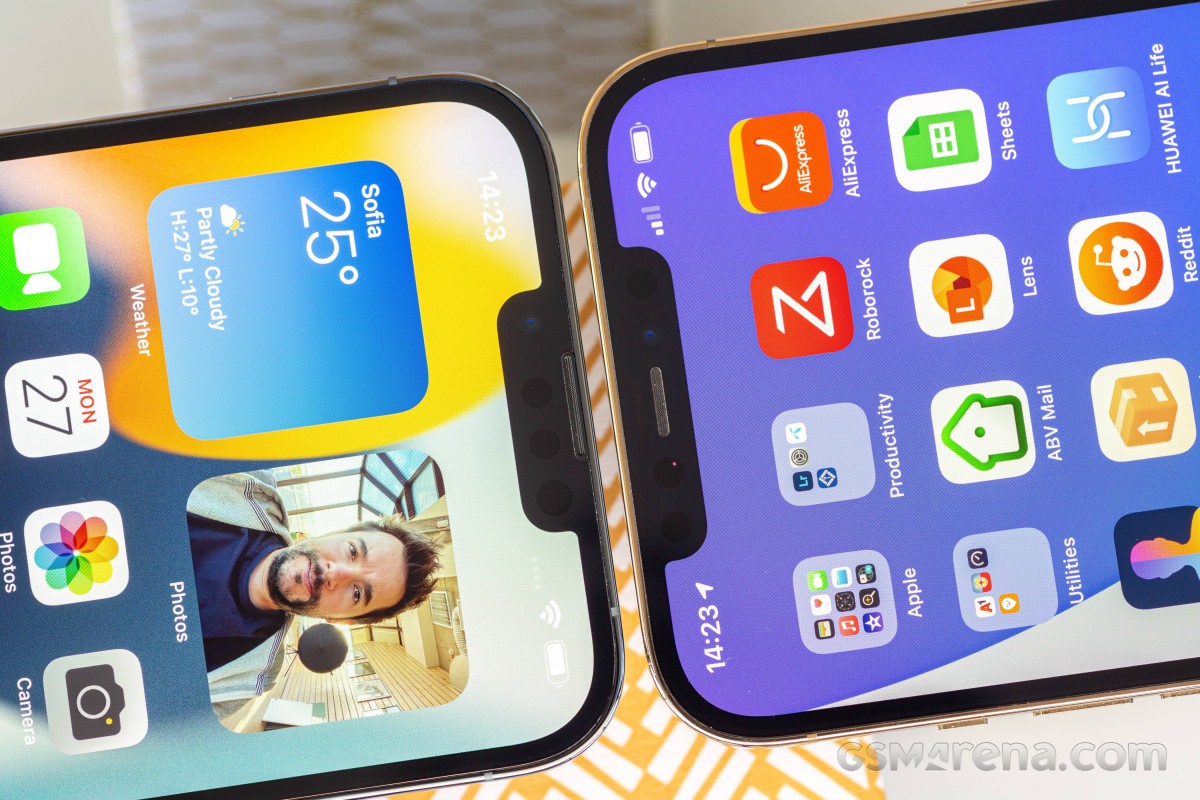 iPhone 13 Pro Max (left) has a 20% smaller notch than the iPhone 12 Pro Max
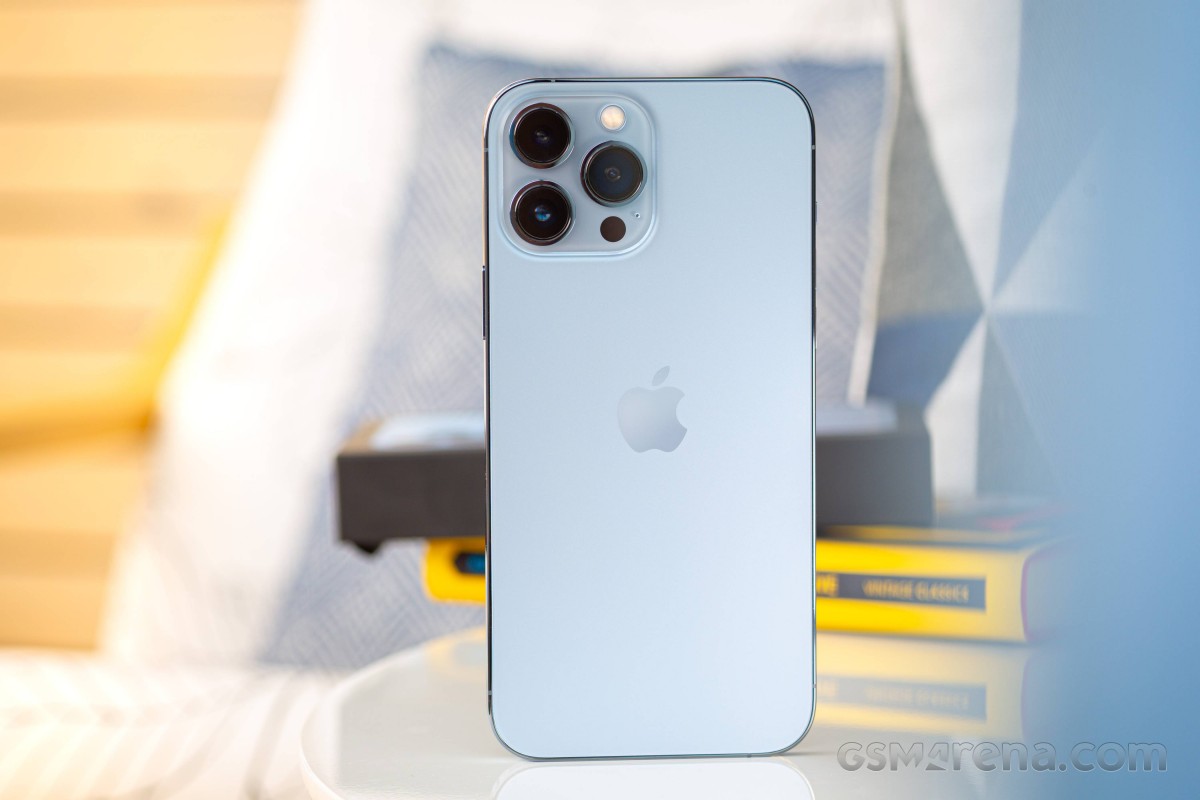
The ever-growing camera bump has grown yet again to accommodate the larger and more sophisticated modules inside. We don't have the percentages here, but the ballpark sounds about right. There's no change in the arrangement here like the one we have on the iPhone 13 - you can't really tell it's the new model just by looking at the back.
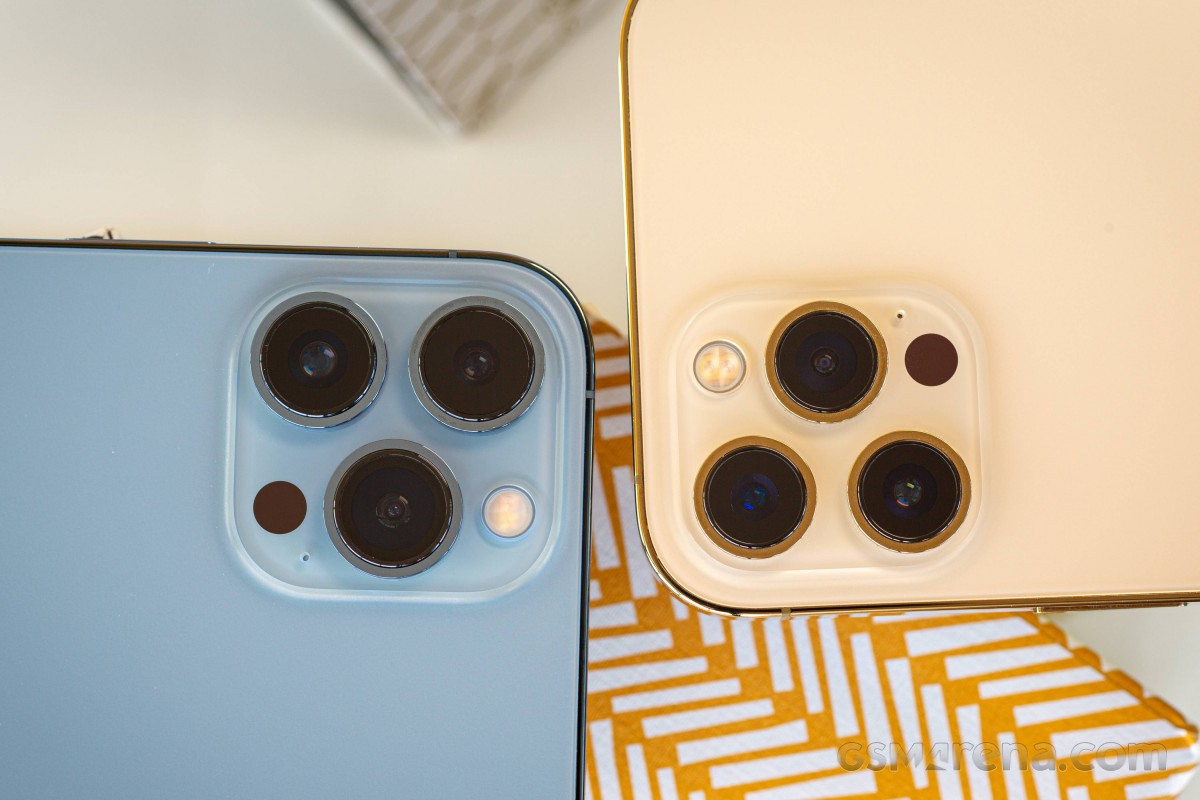 Better cameras mean a bigger bump on iPhone 13 Pro Max (left)
One of the more significant changes this year is the increased battery capacity, but that only has a minor effect on weight and thickness. So that, too, is hardly a difference that can be spotted at a passing glance.
Even the hero color of the iPhone 13 Pro (Max), the Sierra Blue we have here, isn't that dramatically different than the Pacific Blue of the 12s.
Mind you, that was meant as 'twelves', but it just reminded us that a 'Twelve S' wouldn't have been out of place as this year's model name, given the relatively modest upgrades. But simply adding ones each year makes things easier to keep track of, so we won't dwell on naming too much.
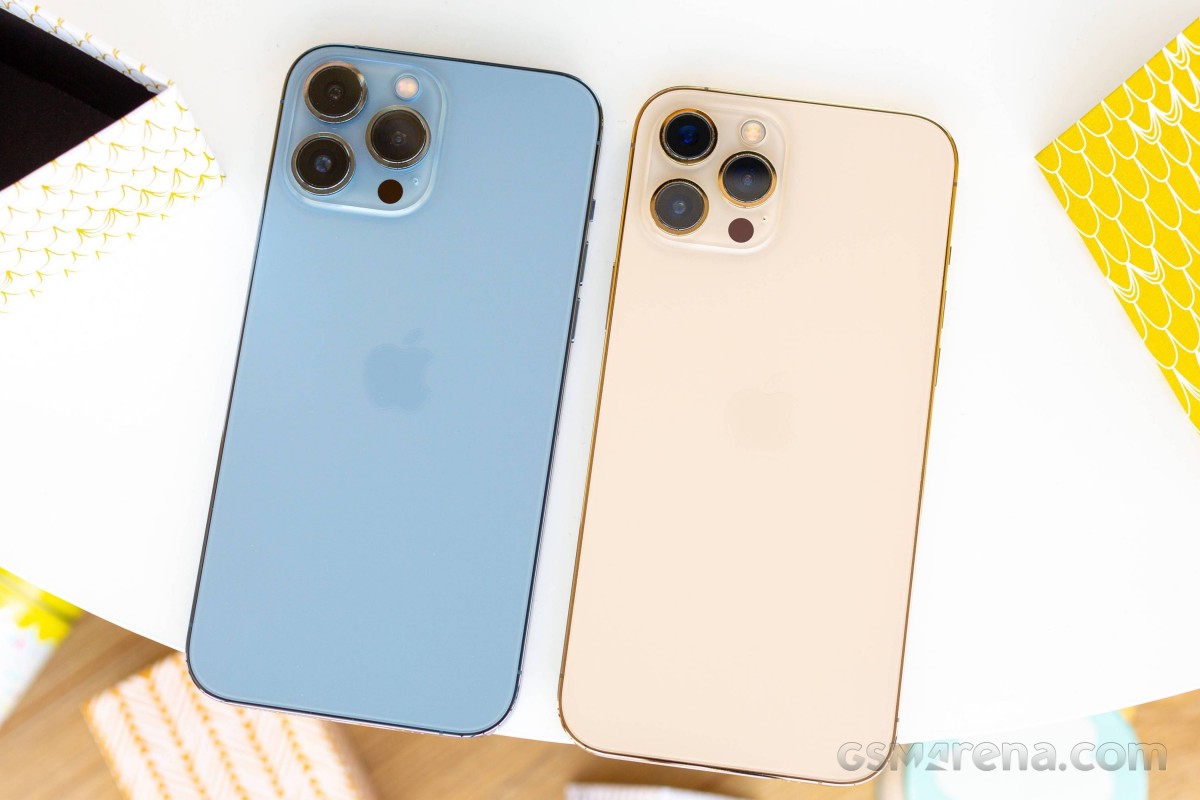
Overall, the iPhone 13 Pro Max is 0.3mm thicker than the 12 Pro Max and 12g heavier. The 7.7mm waistline remains relatively thin for a phone this big while the extra dozen grams all but disappear in the overall heft of the 240g total. Meanwhile, the 160.8x78.1mm footprint is exactly the same as on last year's model.
There are no two ways about it, the iPhone 13 Pro Max is one huge phone. That's already the case when it's naked, but it approaches rugged phone proportions if you go ahead and put it in a case. But then again, if you're into iPhone Pro Maxes, the 13 is, well, pretty standard.
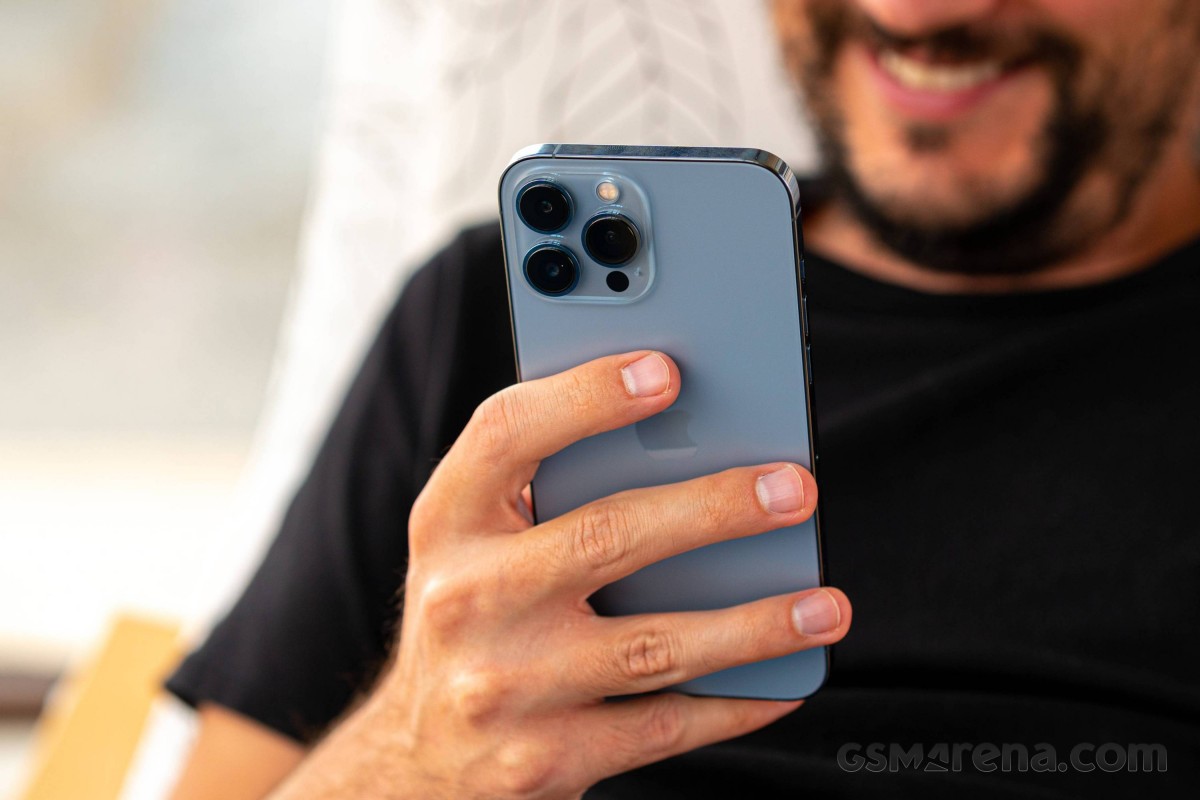
Speaking of ruggedness, the 13 Pro Max again goes above and beyond the basic requirements of the IP68 certification. Apple says it should survive 6 meters underwater for up to 30 minutes - the standard requires 1.5 meters.
The iPhone also features a Ceramic Shield protective layer on its display, Apple's branding for the toughened glass that Corning makes for them. It may just be slightly better than what others get from Corning (or nor really), but it will still scratch or shatter if you don't respect its limits.
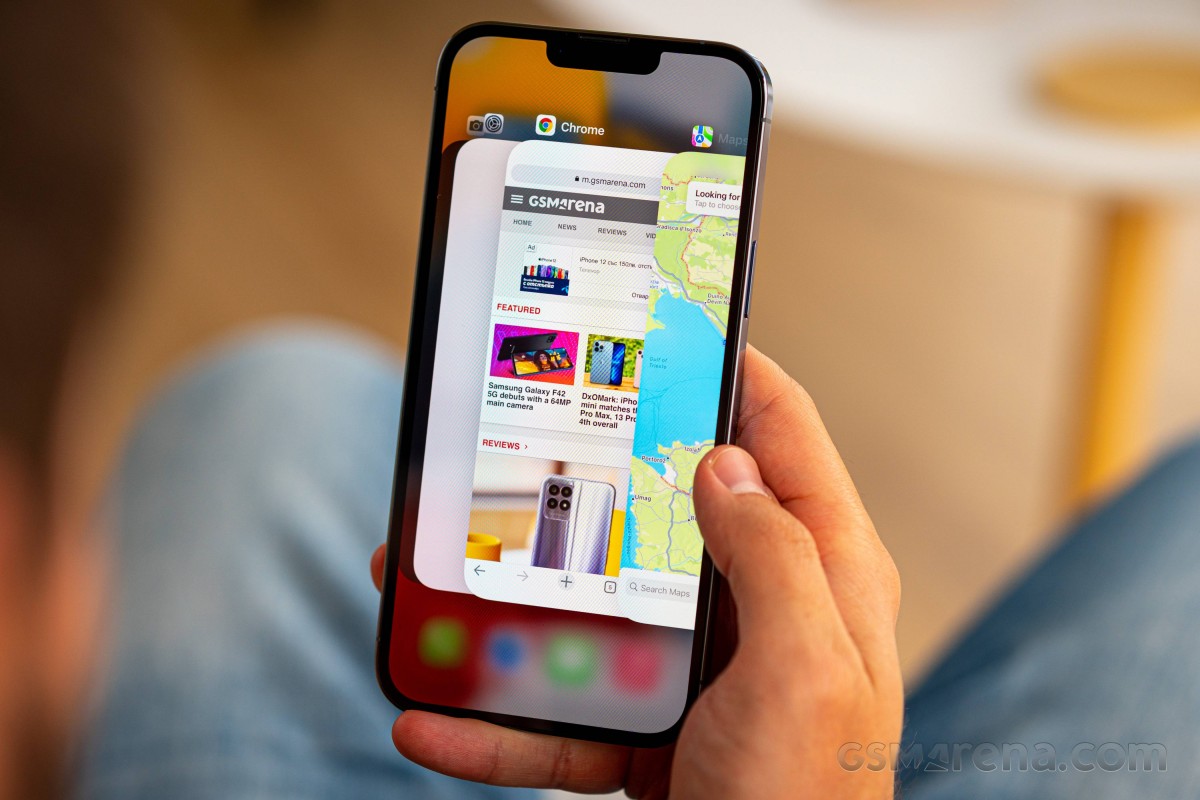
One more area where the iPhone 13 Pro Max (and the smaller Pro) differs from the bulk of handsets, premium or otherwise, is the choice of material for the frame. Apple opts for stainless steel on the Pros instead of the prevalent aluminum, and that is certainly contributing to the class-leading weight, if you'll allow us to call it that.
That shiny polished steel is very premium in theory, but real-life use covers it in fingerprints before you can say 13 Pro Max. It does wipe clean easily, but that's a never-ending battle with a pre-determined winner.
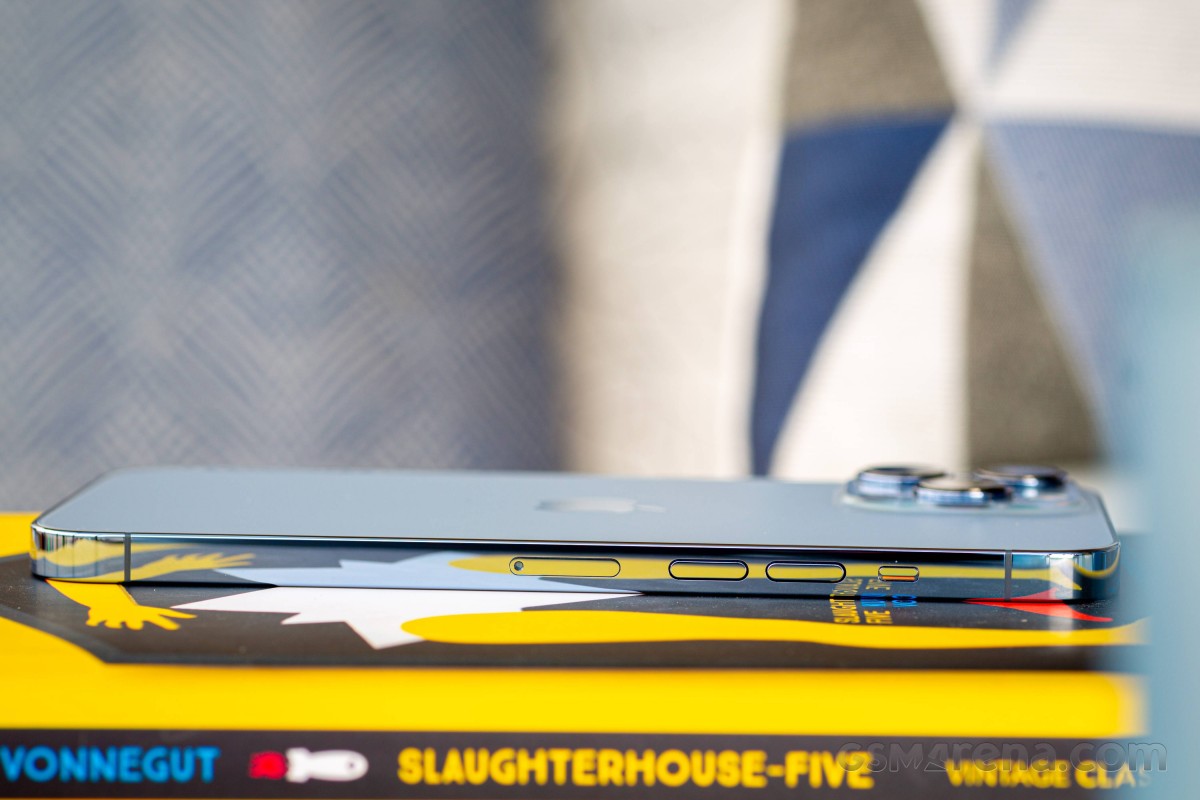
The control layout is unchanged. The large power button is on the right, the one thing you'll find here. The left side is more crowded, and it houses the two discrete volume buttons, the mute switch and the SIM card slot. On the bottom, there's the Lightning port, still, and several holes behind which there's a loudspeaker and a mic.

Power button on the right • Volume buttons and mute switch on the left • Lightning and stuff
And what a convenient segue to bring us back to the front of the iPhone 13 Pro Max, where the earpiece/second loudspeaker has been nudged up and out of the way of the TrueDepth camera. That undoubtedly helped shrink the notch in the horizontal direction, but it did make it ever so slightly taller. Still, 20% less is 20% less.
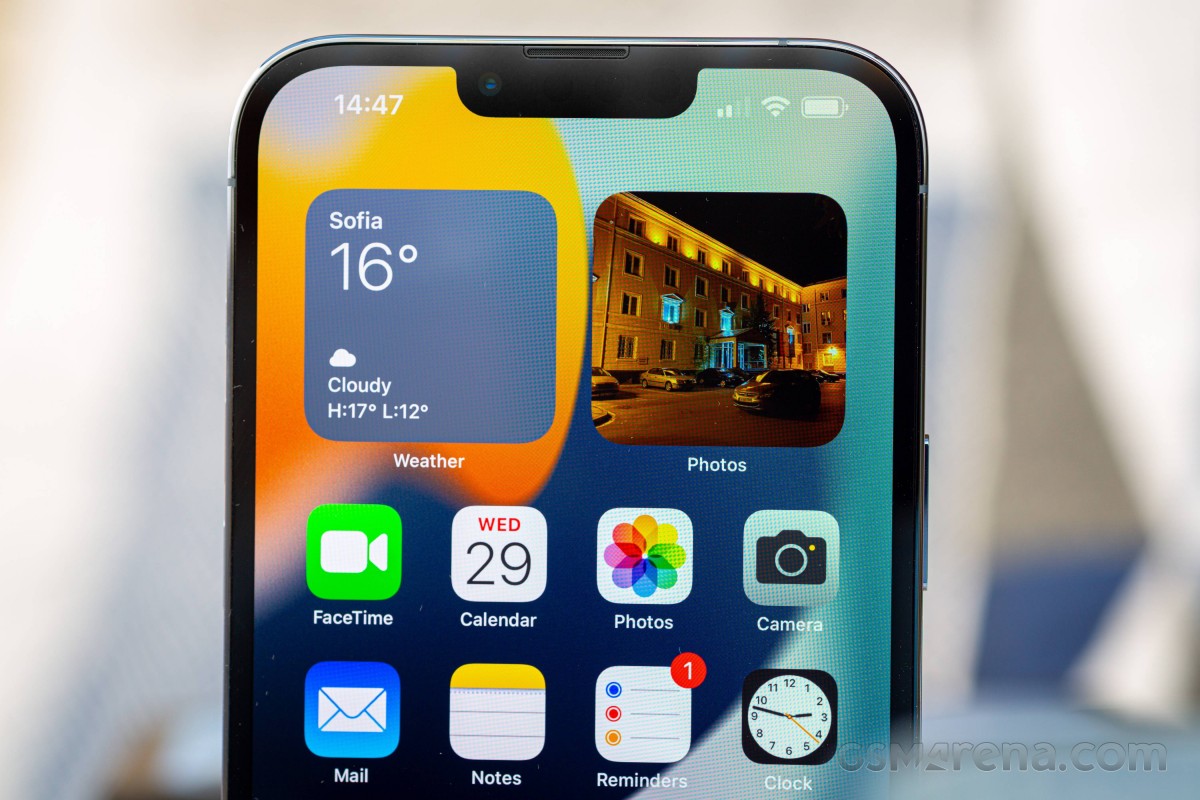
With the same sized display and the same footprint, it's no wonder that the bezels on the iPhone 13 Pro Max are the same as last year. Depending on your outlook on life, they're either nicely slim, or okayishly slim - certainly not impressively slim - but not too thick either. But there's hardly anybody who wouldn't appreciate the consistent thickness of the black border around the entire display - well, excluding the notch.
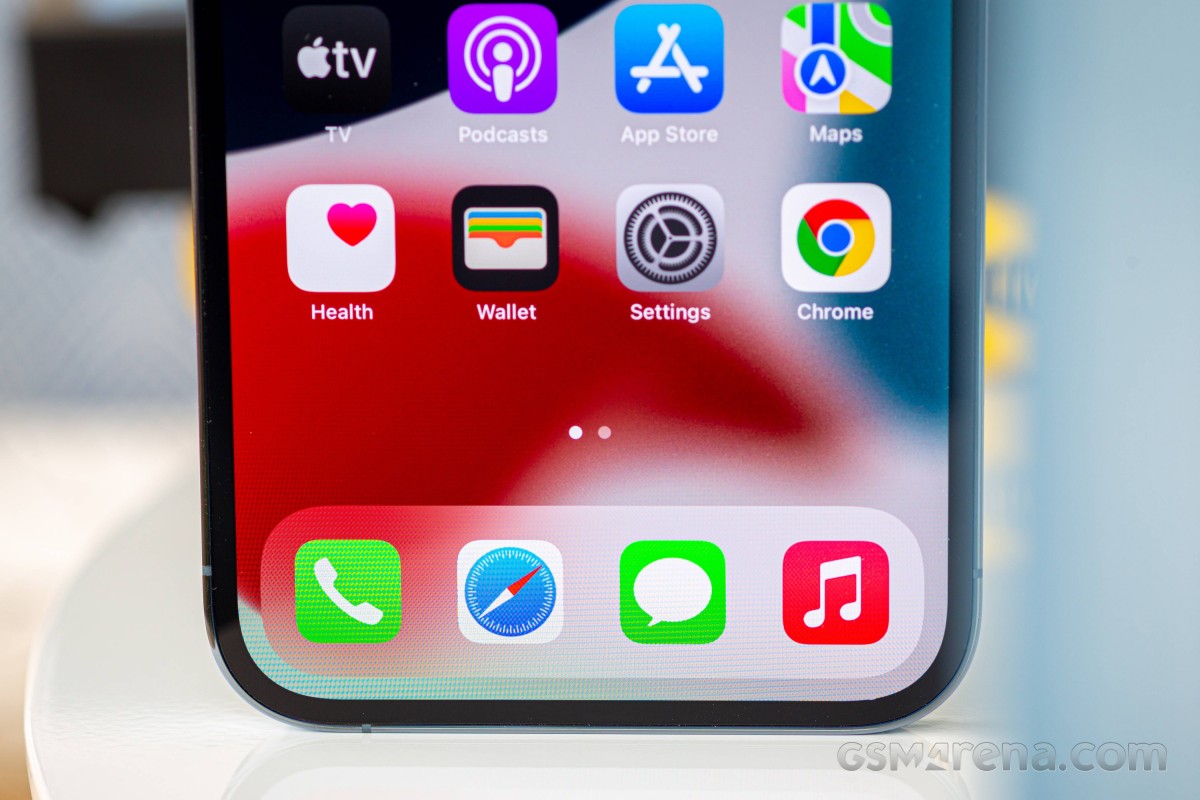
In the end, even if you'd like to call it a recycled unimaginative design (which it kind of is), the iPhone 13 Pro Max is certainly one of the poshest but also most durable handsets you can get. It's one of the largest and heaviest around too, and if it's going to be your first Max, it's probably a good idea to hold it in your hand first before committing.
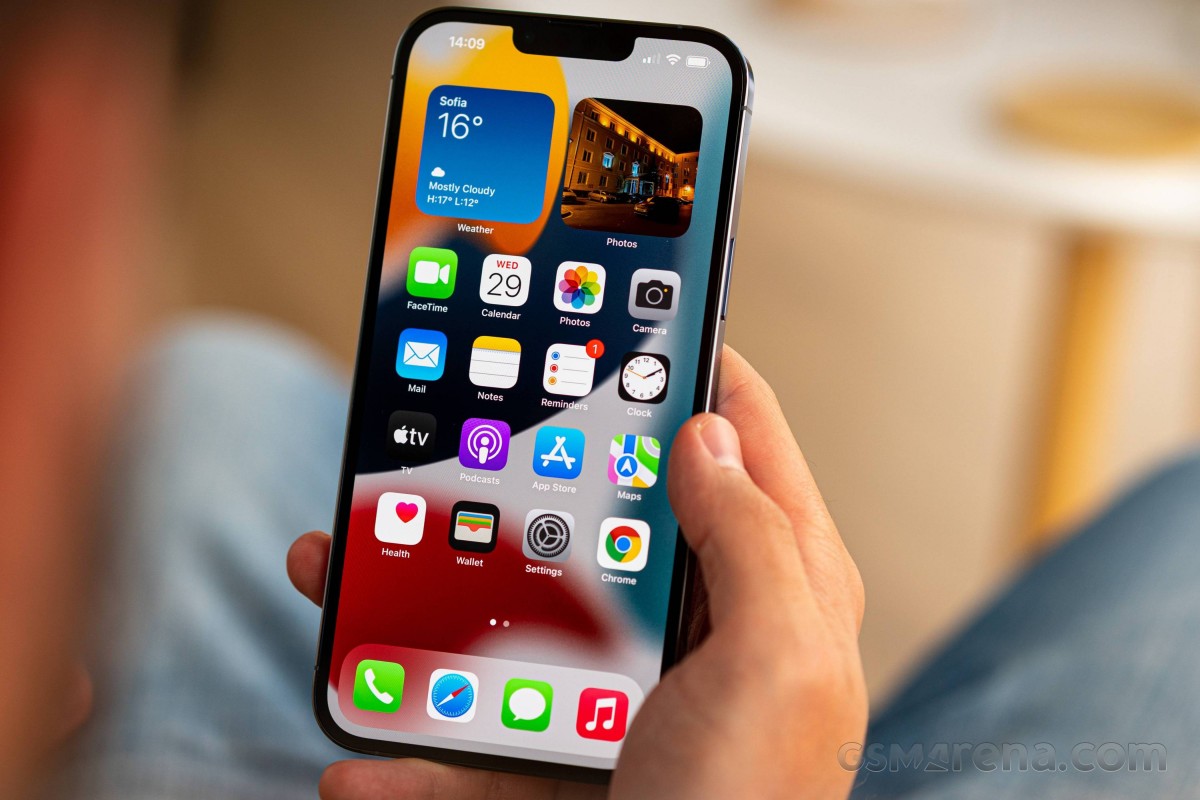
The display gets a ProMotion, finally
The specs of the iPhone 13 Pro Max's display aren't all that different than last year's model, with one notable exception - Apple is at long last catching up with the high refresh rate trend. It got started in the Android world in late 2017 with the original Razer Phone, so 4 years later sounds about right.
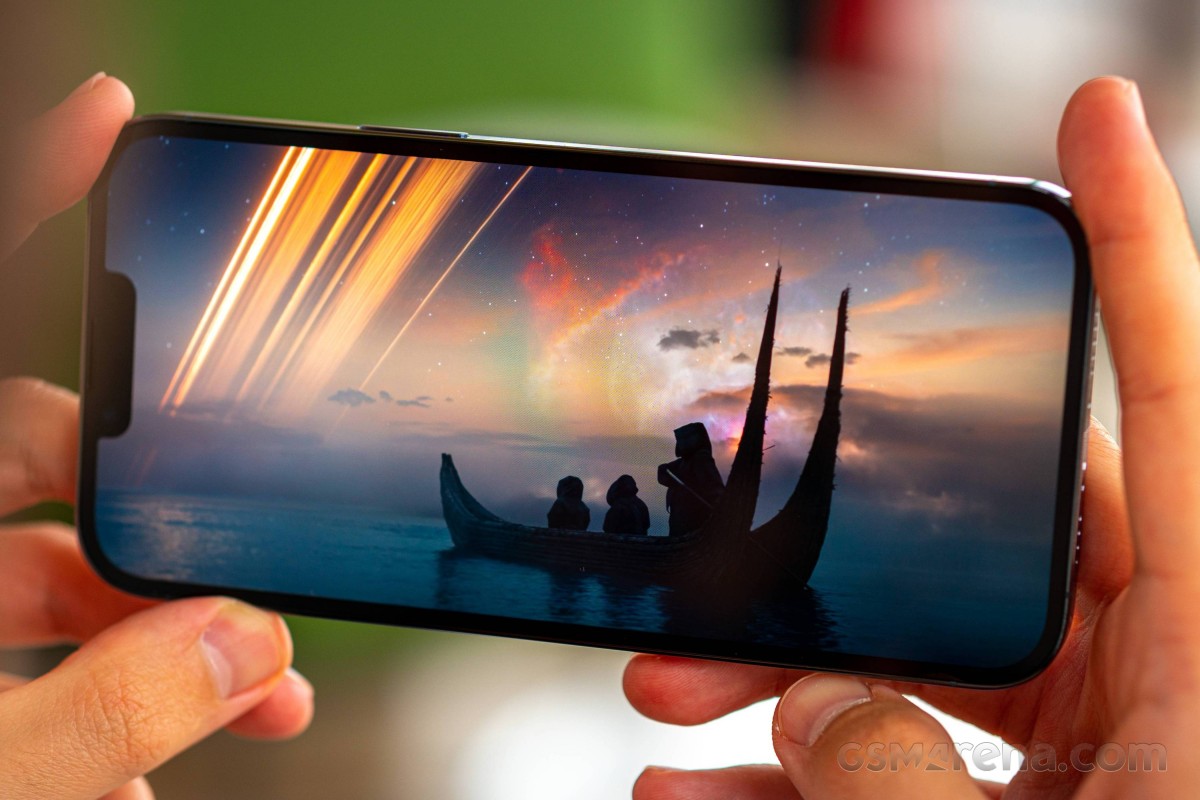
Both sizes of the 13 Pro feature a 120Hz maximum refresh rate with granular dynamic adjustment between 10Hz and 120Hz, depending on content and activity. Apple calls this ProMotion.
The adaptive behavior is one of these things that are somewhat problematic to verify on Android and nigh impossible on iOS, so we'll have to take Apple's word for it. What we'll say is that, indeed, the 13 Pro Max scrolls smoothly throughout the UI, more so than the plain 13 or older models.
There's the matter that at this point not all third-party apps can fully utilize the 120Hz ProMotion feature but that's going to improve as developers catch up.
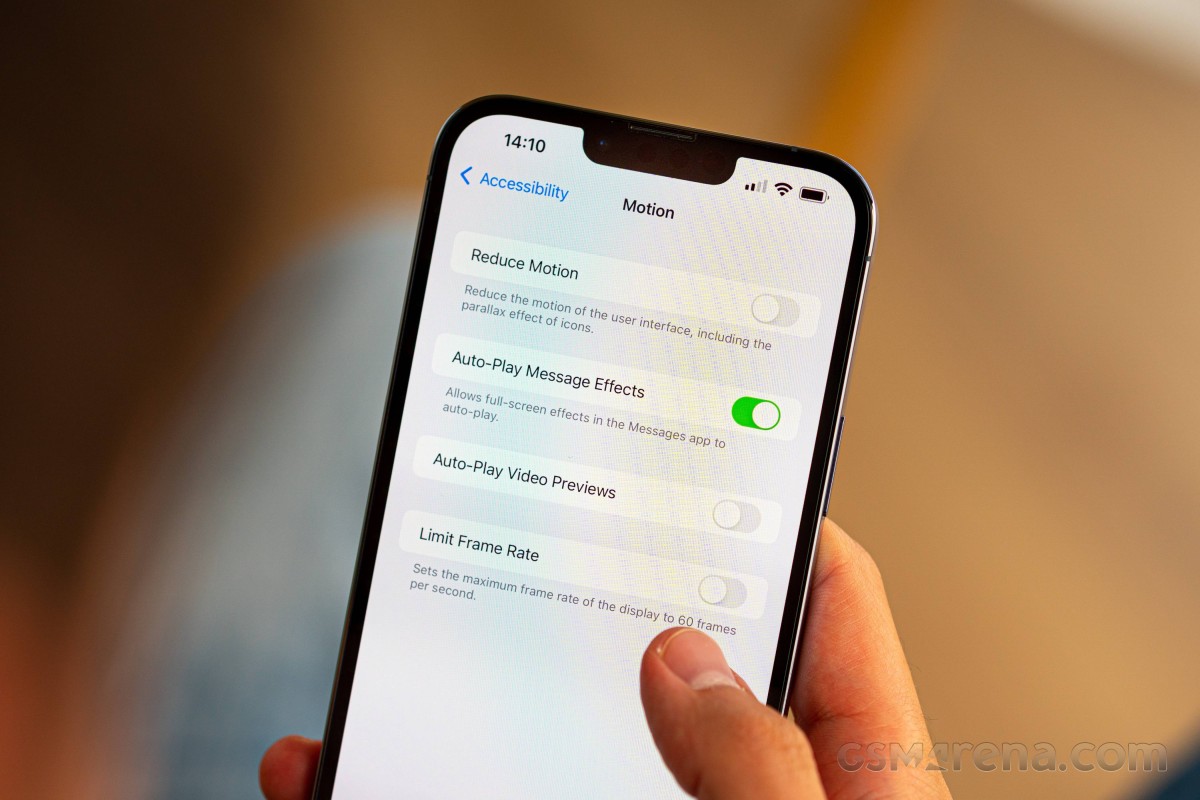
The display diagonal of the iPhone 13 Pro Max is the same 6.7 inches as last year's 12 Pro Max. The resolution is the same as well at 1284x2778px, making for a 458ppi pixel density - the 'Super Retina' in its official name alludes to that. It's also 'XDR' and that goes to indicate it's HDR10 and Dolby Vision compliant, but more eXtremely so than, say, the similarly HDR-specced non-XDR iPhone X of old - read higher peak brightness.
On the 13 Pros, Apple promises a further 25% increase in peak brightness compared to the 12 Pros, and our test proved that to be the case. In a more unusual turn of events, the 13 Pro Max achieved its top result of 1050nits only with Auto brightness enabled, while 'only' 850nits were available when operating the slider manually.
We say unusual, but that's how pretty much every non-iPhone behaves. On iPhones up until now, on the other hand, whatever the ambient light sensor could summon, you could get with your own fingers as well. It's only natural though that Apple wouldn't want you to have the full 1000+ nits at your disposal at all times, in order to prevent potential burn in and/or excessive battery drain. In any case - superb results for brightness.
| Display test | 100% brightness | ||
| Black, |
White, |
||
| 0 | 852 | ∞ | |
| 0 | 1050 | ∞ | |
| 0 | 797 | ∞ | |
| 0 | 822 | ∞ | |
| 0 | 820 | ∞ | |
| 0 | 653 | ∞ | |
| 0 | 679 | ∞ | |
| 0 | 458 | ∞ | |
| 0 | 1023 | ∞ | |
| 0 | 493 | ∞ | |
| 0 | 774 | ∞ | |
| 0 | 514 | ∞ | |
| 0 | 943 | ∞ | |
| 0 | 489 | ∞ | |
| 0 | 922 | ∞ | |
The iPhone 13 Pro Max has a wide color gamut display that covers the DCI-P3 color space. The phone automatically goes in P3 mode when it recognizes compatible content, but that's not the case with our (industry standard) testing equipment and software, so we can't give exact numbers.
We did, however, measure an essentially flawless rendition of the sRGB test patterns - average dE2000 was 0.8, which is below being perceived as a difference to a naked eye. As we've come to expect from iPhones, the accuracy was maintained largely unchanged across the brightness range, all the way up to the maximum manually attainable setting on the slider. It only deteriorated slightly under the bright light conditions that we used to achieve the peak 1050nits brightness, and even then, it was a lot better than competitors in the same adverse circumstances.
Apple iPhone 13 Pro Max battery life
As with the entire 2021 lineup, the iPhone 13 Pro has gotten a battery capacity increase, and here it's the biggest one of the bunch. The new number is 4,352mAh, up 18% from the outgoing model. Apple says that's good for an extra 2.5 hours of use, although their use is very likely not quite the same as yours. Ultimately, the iPhone 13 Pro Max should be the longest-lasting iPhone, period. Well, is it really?
Yes, by a lot, but with some caveats. Starting with one of those, our web browsing test was carried out with the screen running at 60Hz and not 120Hz, because that's the refresh rate we got in both Safari and Chrome. Even so, the 20 full hours we measured is a remarkable result - a good 6 hours more than last year's Pro Max. The Galaxy S21 Ultra calls it quits some 5h earlier, though that one does render at 120Hz for at least a brief portion of its web browsing.
In video playback, the iPhone 13 Pro Max was good for 24 hours of looping our test sample while offline - 9 hours more than the 12 Pro Max, and 6 on top of the S21 Ultra's figure. Here we couldn't be entirely certain what the refresh rate was, but it's only natural that it wasn't the full 120Hz, with 60Hz being a much safer bet. Again, that's an imposing result regardless of the refresh rate it was achieved at.
On a voice call, the 13 Pro Max also showed significant improvement over its predecessor, though that's somewhat of a low bar to clear, considering our experience with call longevity on iPhones. Having said that, the 27:26h result is, for a change, not one to be ashamed of in general, not just for an iPhone.
Dialing in all of these numbers in our formula, alongside the also surprisingly decent standby result, we're getting an Endurance rating of 121h for the iPhone 13 Pro Max - the longest ever for an iPhone.
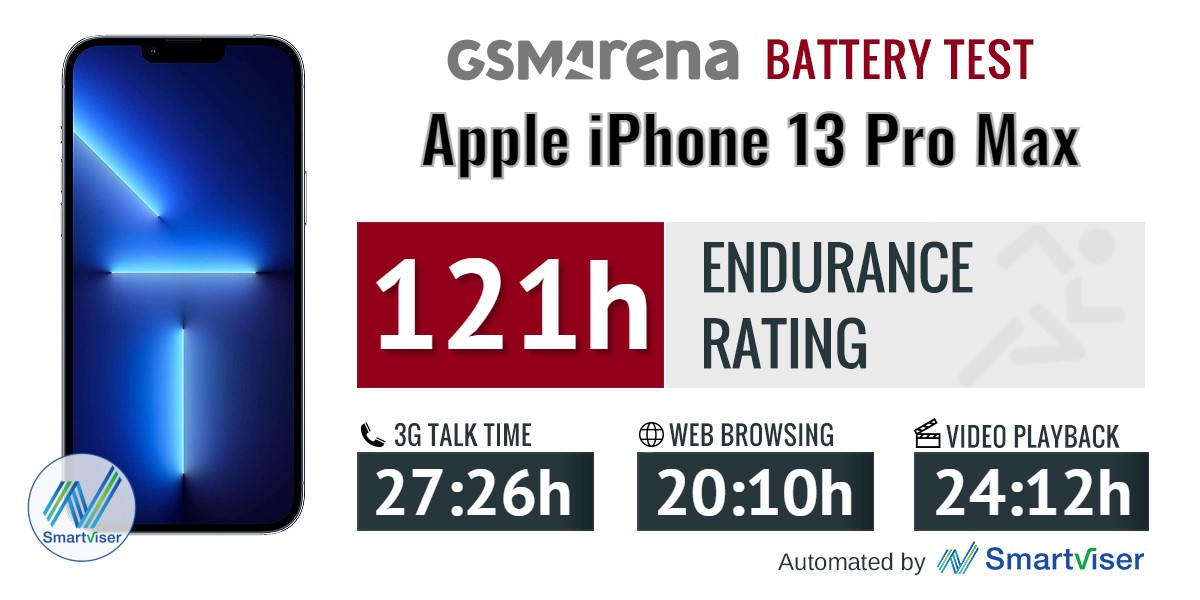
Our battery tests were automated thanks to SmartViser, using its viSerDevice app. The endurance rating denotes how long the battery charge will last you if you use the device for an hour of telephony, web browsing, and video playback daily. More details can be found here.
Video test carried out in 60Hz refresh rate mode. Web browsing test done at the display's highest refresh rate whenever possible. Refer to the respective reviews for specifics. To adjust the endurance rating formula to match your own usage - check out our all-time battery test results chart.
Charging speed
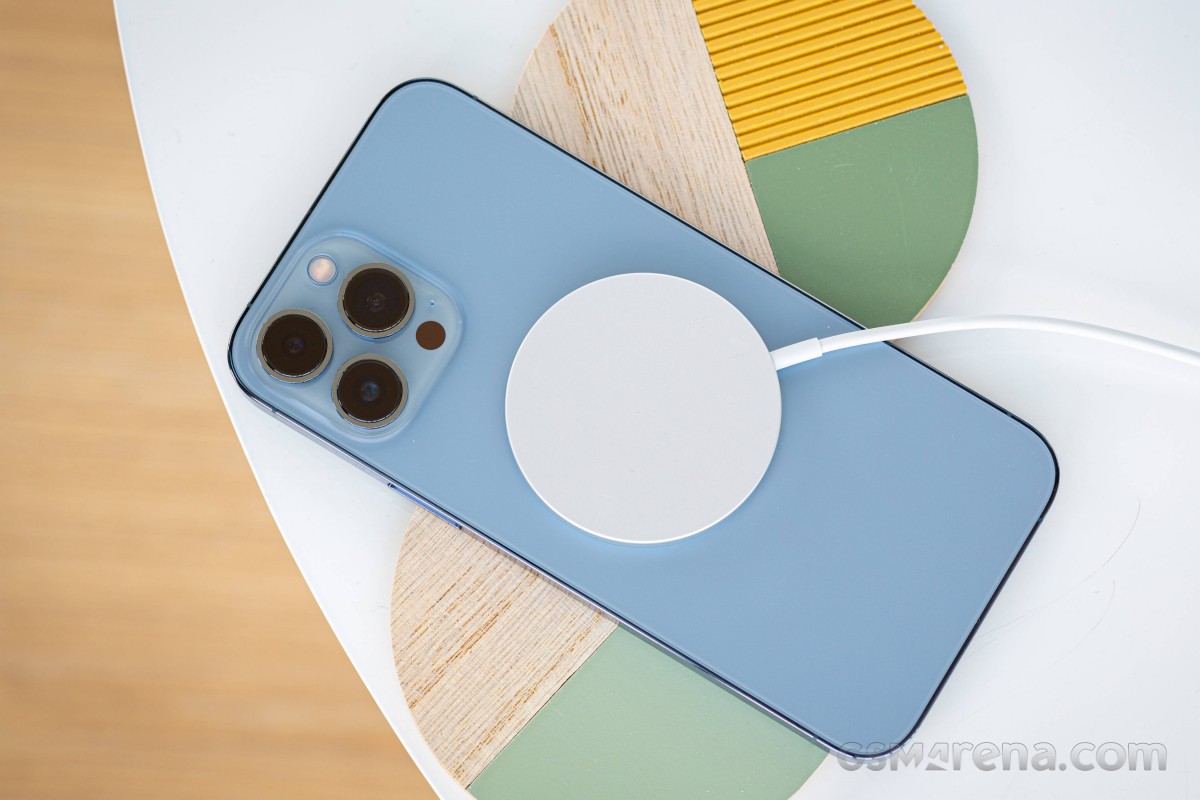
The iPhone 13 Pro Max ships without a charger. Some carriers in some places may choose to bundle one in for you (and quietly calculate its price in the total) or you may shop around for one yourself if you don't have a USB PowerDelivery brick lying around. Arguably, the most popular choice is Apple's own 20W adapter, so we tested with what one, and we also tried with the MagSafe puck.
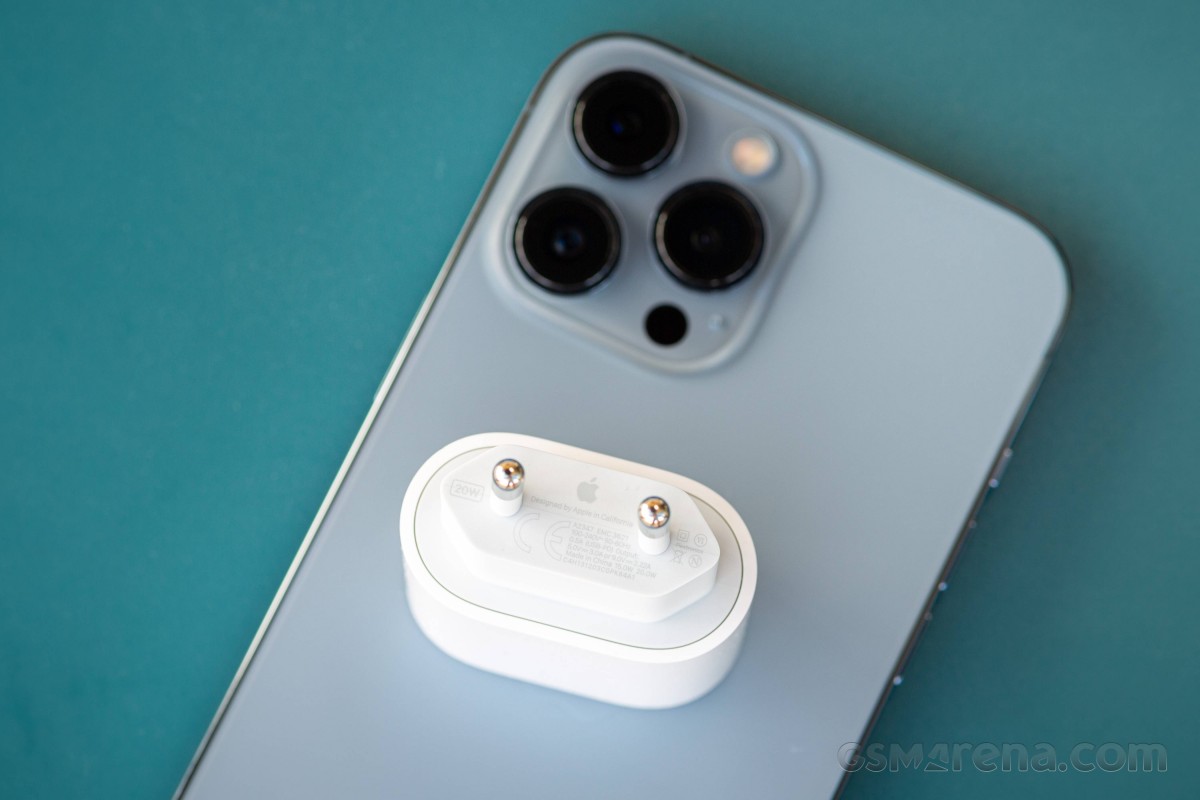
The fully wired solution got us to 42% in 30 minutes, hardly an impressive number. It's still better than MagSafe, which managed only 25% in as much time. A full charge took 1:46h with a cable and 2:20h with, well, MagSafe and its cable.
The MagSafe full charge time is respectable, but the regular wired one isn't too competitive. There's a caveat there, too - that time can only be achieved with the 'Optimized Battery Charging' option in the 'On' position. That's the feature, which makes the phone charge up to 80% and then stops and times the final top-up to coincide with your wake-up time as soon as it learns your routine. Switch that off, however, and you'll be looking at 2:10h for a full charge - maniacs, those people at Apple.
For what it's worth, the 13 Pro Max can charge at up to 27W, so the 20W adapter isn't giving it the most juice it can take. We'll eventually retest it with a more capable PowerDelivery brick.
30min charging test (from 0%)
Higher is better
- Oppo Find X3 Pro
100% - OnePlus 9 Pro
99% - Xiaomi Mi 11 Ultra
89% - Asus ROG Phone 5s Pro
71% - Apple iPhone 12 Pro Max
55% - Apple iPhone 13
54% - Samsung Galaxy S21 Ultra 5G
54% - Sony Xperia 1 III
50% - Apple iPhone 13 Pro Max
42% - Samsung Galaxy Z Fold3 5G
33% - Apple iPhone 13 (MagSafe)
32% - Apple iPhone 12 Pro Max (MagSafe)
28% - Apple iPhone 13 Pro Max (MagSafe)
25%
Time to full charge (from 0%)
Lower is better
- Oppo Find X3 Pro
0:28h - OnePlus 9 Pro
0:32h - Xiaomi Mi 11 Ultra
0:37h - Asus ROG Phone 5s Pro
1:03h - Samsung Galaxy S21 Ultra 5G
1:11h - Apple iPhone 12 Pro Max
1:32h - Apple iPhone 13
1:46h - Apple iPhone 13 Pro Max
1:46h - Samsung Galaxy Z Fold3 5G
1:46h - Sony Xperia 1 III
1:50h - Apple iPhone 13 (MagSafe)
2:19h - Apple iPhone 13 Pro Max (MagSafe)
2:20h
Speaker test
The 13 Pro Max features the usual iPhone speaker setup - there's a bottom-firing driver for one channel, while the second channel is handled by the earpiece. When held in landscape, the phone respects the left-right orientation, and it will switch channels to match the way you're holding it. In portrait, on the other hand, the earpiece is in charge of the right channel.
There's a bit more to that because the bottom speaker also takes over some of the lower-end frequencies for the top one. Additionally, even if you only feed one channel, the opposite speaker will still output some sound, albeit at a much lower volume than the 'correct' one.
Bottom speaker • Earpiece/Top speaker
As we've come to expect from iPhones and, really, all top-level phones, the 13 Pro Max put up a great performance in our speaker test. It earned a 'Very Good' rating for loudness, same as all key competitors. It's the best sounding one among this tough crowd with the closest thing to bass, lively vocals and sparkly highs.
Use the Playback controls to listen to the phone sample recordings (best use headphones). We measure the average loudness of the speakers in LUFS. A lower absolute value means a louder sound. A look at the frequency response chart will tell you how far off the ideal "0db" flat line is the reproduction of the bass, treble, and mid frequencies. You can add more phones to compare how they differ. The scores and ratings are not comparable with our older loudspeaker test. Learn more about how we test here.
Apple iOS 15 on the iPhone 13 Pro Max
All new iPhones come with Apple's iOS 15 out of the box. It's not a major update over iOS 14, but it does round many UI elements shapes such as settings menus and icons, notifications, buttons. The new version improves heavily on FaceTime and Messages, Notification management, Safari browser (now with extensions), Wallet and Maps. It also makes Photos and Spotlight even more intelligent, while the Camera app can now read and let you copy any text in your viewfinder in real-time.
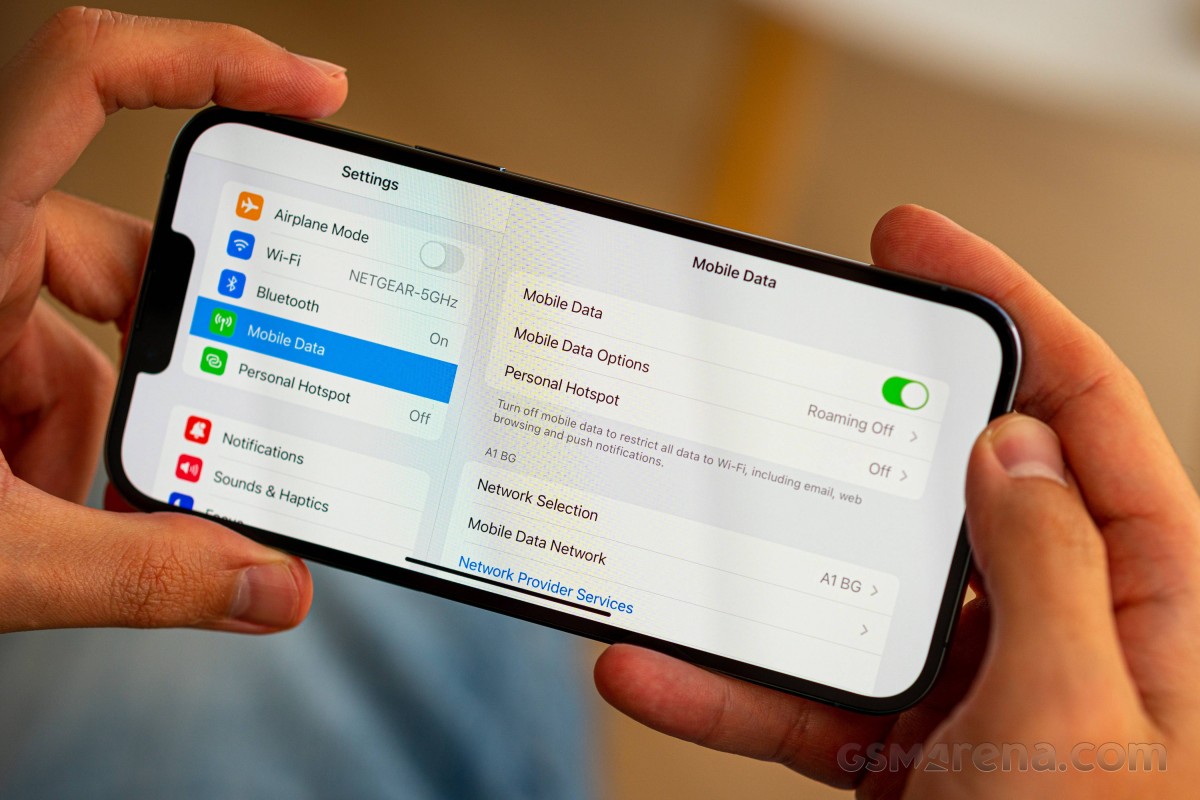
Let's take a closer look at how iOS 15 looks on the iPhone 13 Pro Max. Its interface is still based on homescreens populated with apps and widgets, App Library for your less important apps, and Notification and Control Centers.
The lockscreen on iOS 15 remains intact - it's one with the Notification Center and houses your notifications (privacy options are available), plus shortcuts for the torch and the camera. You can get past it via Face ID or PIN if you've opted for secure unlock.
Your apps usually populate the homescreen(s) and widgets. There are two specific screens - the leftmost is Today page, while the rightmost page - App Library.
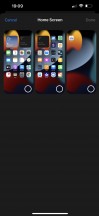
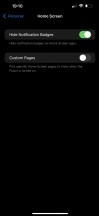
You get to hide specific homescreens - you may have a page that's full of games and hide when at work or hide a page of work/school apps when on vacation. You can't opt-out of Today and App Library, though.
Apple iOS 15 has a new Focus option, which switches between different modes like Work, Personal, Driving, Gaming, Do Not Disturb, among others, and it is now the best way to automatically hide/show homescreen pages. We'll get to it in a bit.
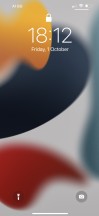
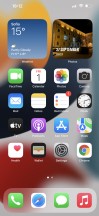
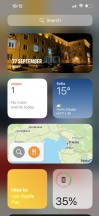
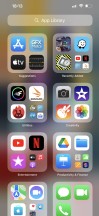
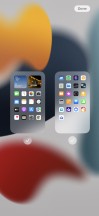
Lockscreen • Homescreen • Today • App Library • Hide homescreens
If you don't like the App Library, you can continue to use iOS 15 the old way and completely ignore the feature. There is no option to disable the App Library page, though.
Widgets can be placed on any of the homescreens and the Today page, and they can coexist with app icons. There are three widget sizes supported by iOS 14 - 2x2, 4x2, and 4x4.
You can stack widgets of the same size on top of one another. Once you have a stack, you can have the OS automatically choose which is the most relevant widget to surface to the top of the stack automatically. Alternatively, you can flip through the stack manually by swiping up or down until you find the widget you need. And we love stacked widgets - it's a real space saver - especially if you combine a frequently used widget at the top with less frequently used ones in the stack below it.
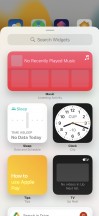


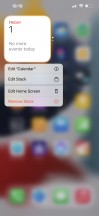
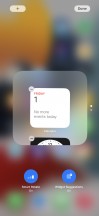
Widgets • Widgets • Widgets • Stacked Widgets • Settings
The App Library is an app drawer, which is always your rightmost homescreen pane. Apps are added automatically to the App Library upon installation. The sorting is also an automatic process, and you can't edit the categories or move apps into different categories. The app sorting depends on the App Store tags the developer has used upon uploading the apps.
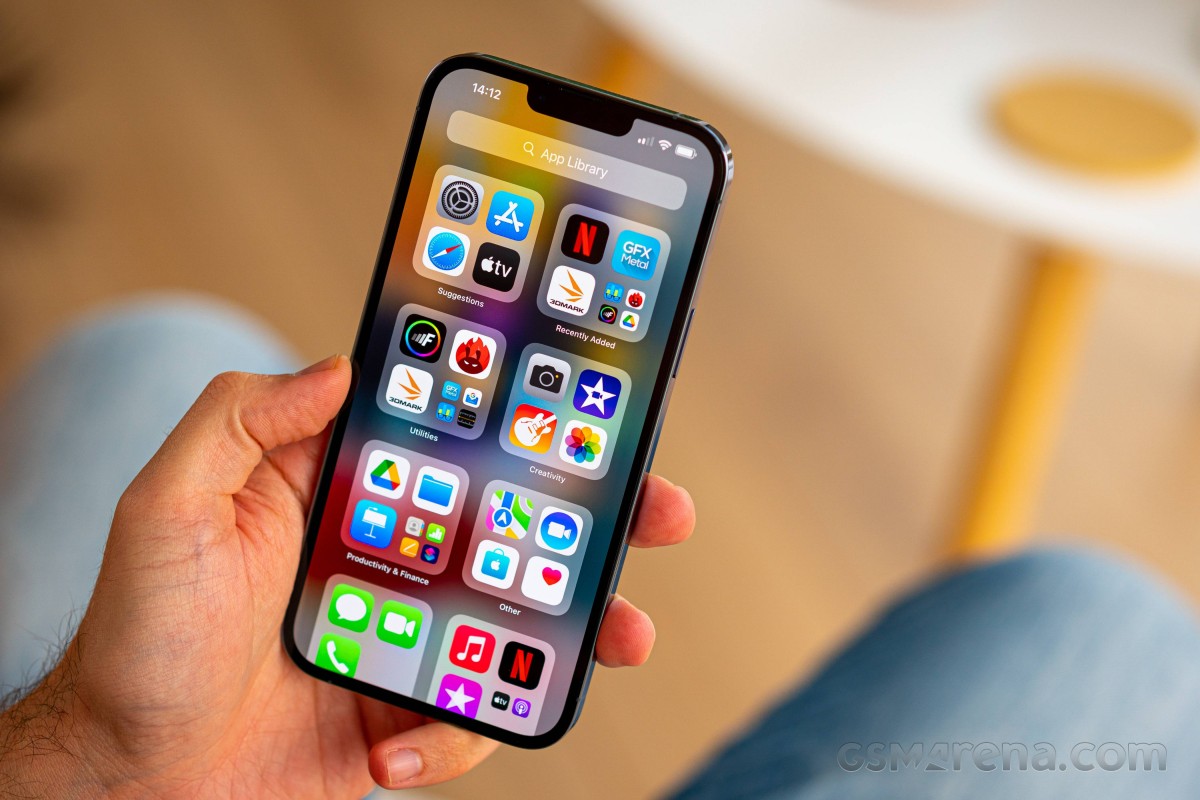
The App Library has three settings only - Add new apps to Homescreen and App Library, Add to App Library only, and Show Notification Badges in App Library. That's it.
The App Library is where you are going to ditch your least used apps to die.
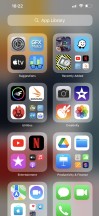
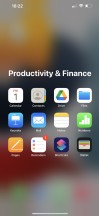
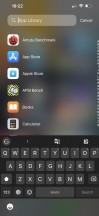
App Library
The Today page is still alive, but barely. You put the same widgets and stacks you can do on your homescreen(s). Here, you can also use the old third-party widgets that haven't been optimized for newer iOS versions yet. The old widgets come right after the new ones, should you choose to use some new ones, of course.
The Notification Center is summoned with a swipe from the left horn or the notch. The pane was unified with the lockscreen in iOS 11, and that's why you can have different wallpapers on your homescreen and notification center.
The Control Center, which has customizable and (some) expandable toggles, is called with a swipe from the right horn. You can use haptic touch to access additional controls. And the battery percentage is also here.
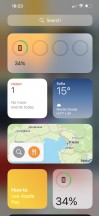
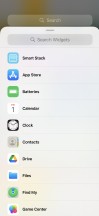
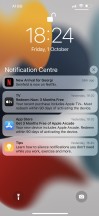
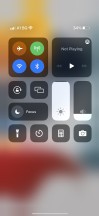
Today • Today settings • Notification Center • Control Center
The navigation gestures stay the same as they were on the iPhone X. Swipe upwards from the bottom line to go to the homescreen, swipe and stop midway for task switcher, swipe from the side of the screen for back and forward. You can also swipe on the line left or right to switch between your recently used apps instantaneously.
The Back Tap is a cool accessibility shortcut. It recognizes double and triple tap on the back of the phone, and you can assign whatever you like. We chose 'Take a screenshot' and 'Control Center,' but it is really up to you.
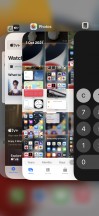
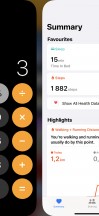
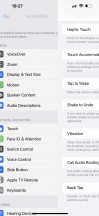
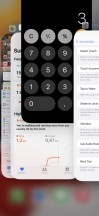
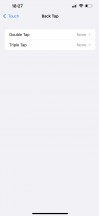
Task Switcher • Moving between apps • Back • Closing an app • Back Tap
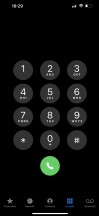
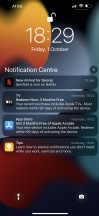
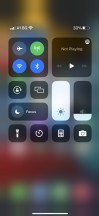
There is a system-wide Dark Mode. You can enable it manually or schedule it from within Display Settings, and it switches all-white backgrounds to dark across iOS. The Dark Mode affects all system apps but also apps that rely on system backgrounds. You can also check the option to darken the homescreen wallpaper when in Dark Mode.
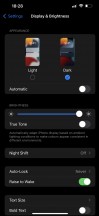
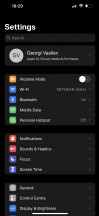
Dark Mode
Some of the novelties that come with Apple iOS 15 include better FaceTime service, smarter Spotlight search engine, Focus modes, improved Safari browser and Weather app, and more.
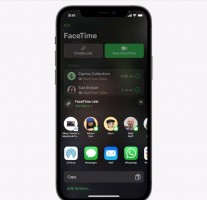
The new FaceTime app looks more and more like Zoom, and it now supports Grid view. It has a cleaner interface, supports background blur, spatial audio, and most importantly - it can make conference calls, and non-Apple users can join the fun, too, by using an invite link and Chrome of Edge web browser.
Apple users can enhance their microphone with Voice Isolation or Wide Spectrum so the other party can hear them much better.
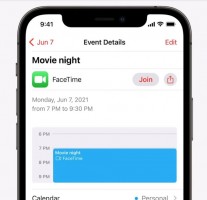
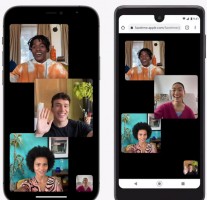
FaceTime
Notifications got a design overhaul and a few new features. The appearance of notifications is tweaked for better visibility, like a larger contact icon, and iOS notifications will be more granular.
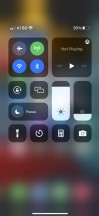
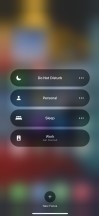
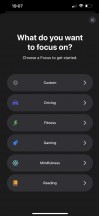
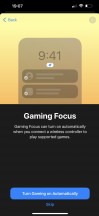
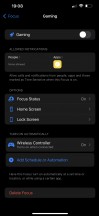
Focus in Control Center
You can set "Focus" profiles that filter the priority notifications while you're working or gaming, for instance, and it will also let people know if they can reach you. In addition to filtering notifications and calls, each Focus mode can be configured to show/hide certain homescreens, dim the lockscreen, and schedule or trigger this mode by certain events. There are a few pre-defined Focus modes - Do Not Disturb, Driving, Night, Work, Pleasure, but you can also add Gaming, Fitness, Reading or create entirely custom ones.
And because the Focus modes filter notifications by importance, there is a new Notification Summary option that shows a single tile of gathered unimportant notifications rather than a long string of missed ones. It can be scheduled to pop up a few times per day.


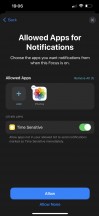
Focus
The Safari web browser has seen quite the upgrade. First, the address bar is now at the bottom of the screen, easily accessible, and you can swipe on it left or right to switch tabs (in portrait mode) just like you fast scroll between apps via swipes on the infamous line. The address bar auto-hides when you start scrolling, of course.
The browser now supports extensions; you can download such from the App Store.
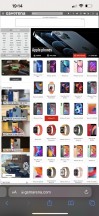


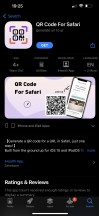

Safari • Tab switching • Landscape view • Download an extension • Extension settings
The Weather app has a new interface, and it supports weather maps.

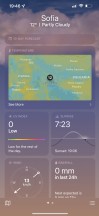
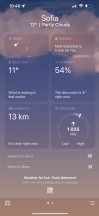


Weather
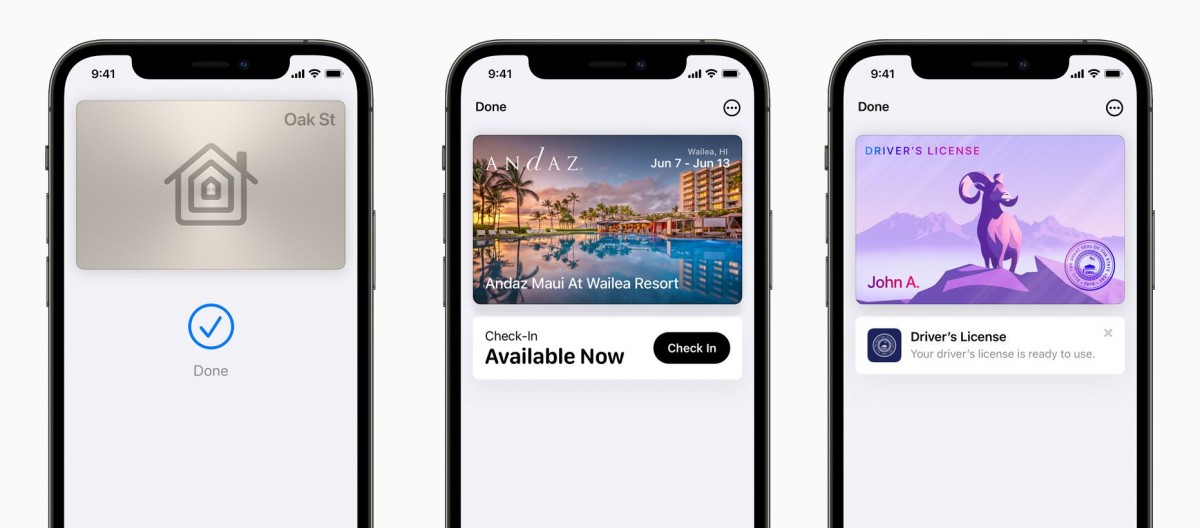
Apple Wallet gets support for new types of keys, like House and Hotel room keys. Apple has partnered with Hyatt Hotels, letting Apple Wallet store a hotel key and use it to enter a room. The Hotel can choose when to activate the key.
Apple Wallet will be able to incorporate UWB technology to work with smart car keys - automatically unlocking a supported car and allowing it to start without the need to take the iPhone out.
Finally, users in supported US states will be able to add their Identity Card to Wallet and use them to pass certain security checkpoints, like at an airport.
Siri - Apple's digital assistant - is used by 400+ million people monthly. You summon it by holding the 'side' key (the Power key). You can do all sorts of things with Siri - from questions and translations through setting up reminders and sending replies to asking for reservations or tickets, directions, and whatnot. Siri Knowledge also lets your iPhone recognize items and landmarks in your gallery.
Siri Shortcuts are available within a standalone app. You can assign a shortcut to so many things that it will take many pages to describe them. You can script almost anything available within iOS itself, a lot of stuff from within the system apps, and some advanced actions from any well-known apps such as YouTube or Facebook. The scripting options are also available throughout various system apps, allowing you to activate reminders, initiate calls, and switch to different notification modes via scripted events.
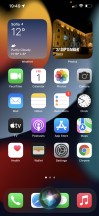
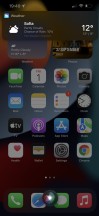
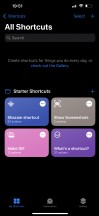
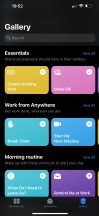
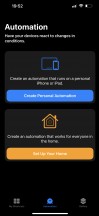
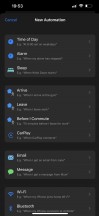
Siri UI • Siri answer • Siri shortcuts
PiP or Picture-in-Picture mode was finally introduced with iOS 14. It does precisely what the name suggests - minimizes your currently playing video within a hovering pop-up over the iOS UI or other apps.
PiP is supported in Apple TV, Podcasts, Safari, FaceTime, iTunes, Home, YouTube, and any other third-party app that chooses to add support for it.
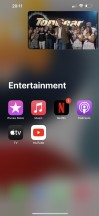
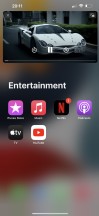
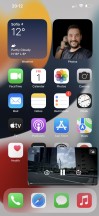
Picture in Picture
The multimedia is handled by Apple's default apps - Photos, Music, TV.
The Photos app's library has four different views - Years, Months, Days, and All Photos. Days, Months, and Years tabs use what the AI considers as best pictures at a glance, and this way, all the clutter gets filtered - you won't see screenshots, notes, or even duplicates. When you scroll through your images in these three categories, all live photos and videos will play automatically (muted). Also, your best photos or videos will show in bigger thumbnails.
AI-powered search option and powerful photo and video edit modes are available, as usual.
The Photos app has three new features, part of the iOS 15 update. The first one is the new album called Shared with me, where you'd find images that were shared with you in iMessages.
Apple has improved the Memories feature by making it more intelligent and powerful - the algorithm selects the best (live) photos and videos and makes a short film, which now uses automatic color and contrast correction for a consistent look and features integration with Apple Music by choosing a relevant song automatically for the film. You can edit this auto-generated film later, of course.
Finally, the Photos app offers detailed information for each photo - full EXIF info and location on the map.


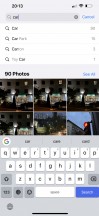


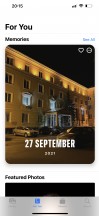
Photos
The TV app is part of iOS 15, and it is your default video player for locally stored movies and shows you've added via iTunes. This is also the digital store for movies and TV shows, and it is also the place where you find the Apple TV+ streaming service. A bit overwhelming, but you get used to it eventually.


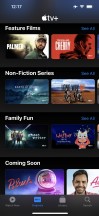

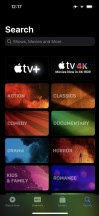
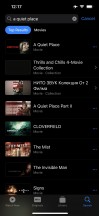
TV
Music is the default player, and it relies heavily on Apple Music. But even if you decide not to use the streaming service, it can still do an excellent job if you have a few minutes to add your songs via iTunes. Realistically, adding music tracks via iTunes requires as few clicks as it would take to copy them via Windows Explorer, so there is no overhead. The requirement to download and install iTunes in the first place, however, can be off-putting to Windows PC users.
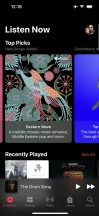
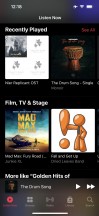

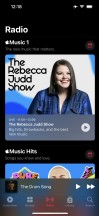
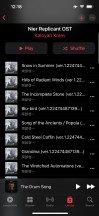

Music
The Camera app now supports Live Text feature - if you point the camera towards text, a text icon will appear - if you tap on it, you will be able to (scan and) copy or look up the text you are seeing. Neat!





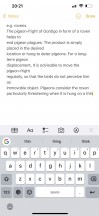
Live text
Books are here for your documents, PDFs, and eBooks. Stocks and News are onboard. Safari is your default web browser, and it has a Download manager and some enhanced privacy options we will talk about in a minute.
Apple Maps has become quite powerful and feature-rich over the years. Some of the recent highlight functions include cycling directions, elevation info, a new EV routing factor, improved guides and recommendations. You can even see speed cameras and red-light cameras in some areas.
The Maps app in iOS 15 has been improved with AR guidance when using public transport for easier orientation.





Maps
You can change your default browser and mail client since iOS 14, but you cannot do that with your Maps app, unfortunately.
Finally, Apple Pay is on board, of course, and Sign-in with Apple is pushed everywhere. You can use this to quickly sign into apps with your Apple account, authenticating with FaceID and with two-factor authentication included. Apple will send the app a unique random ID. If an app demands your email address, you can choose to give it your actual email or a random one automatically created by Apple for you with built-in forwarding.
Some of the upcoming iOS 15 features that will be seeded later this year include SharePlay, App Privacy Report, and CSAM Detection.
SharePlay lets you use, listen or watch content with other FaceTime participants. You can share any Apple TV+ or Apple Music track over a FaceTime call. You can watch or listen via AirPlay on your AirPlay-compatible TV, too.
App Privacy report is something Android users have known for a long time - you will be able to see which apps have access and have been using that access to microphones, camera, location and your photos.
Finally, CSAM Detection will come with several child safety features within Messages and iCloud photos - it will track for explicit content, blur it and issue a warning screen and an alert to the parent account.
Performance and benchmarks
The latest Apple A15 Bionic chip powers all iPhone 13 models. It is the second 5nm Apple chip (second-gen 5nm TSMC process) and packs the whopping 15 billion transistors - that's 27% more than the A14 within the iPhone 12 phones.
The new A15 chip still relies on a hexa-core processor with 2 big Avalanche cores maxing out at 3.23GHz and 4 small Blizzard cores working at up to 1.82GHz. The upgraded processor should deliver a 50% higher performance than the competition, whatever that means (Snapdragon 865 maybe?).
There is an improved 5-core Apple GPU for the Pro models and 4-core Apple GPU for the non-Pro. The being the Max Pro, it gets the quintet.
The new A15 has a new 16 core Neural Engine, too, powering features such as on-device voice and image recognition and other advanced machine learning tasks. On top of that, there is a new ISP on board, twice the amount of cache, as well as a new display engine and new video encoders and decoders.
The 13 Pros have 6GB of RAM, up from the 4GB of the non-Pros.
The Apple A15 Bionic also comes with Qualcomm's X60 5G modem.
We ran the usual benchmark apps, and in GeekBench, the iPhone 13 Pro Max is way ahead of its Android competition, rocking the latest Snapdragons or Exynoses. The gap is smaller when comparing to last year's iPhones, but there is still a modest improvement there, to the tune of 10%.
GeekBench 5 (multi-core)
Higher is better
- Apple iPad Pro 12.9 (2020)
4709 - Apple iPhone 13 Pro Max
4706 - Apple iPhone 13
4645 - Apple iPhone 12 Pro Max
4240 - Apple iPhone 12 mini
4174 - Asus Zenfone 8 Flip
3673 - OnePlus 9 Pro
3636 - Asus ROG Phone 5s Pro
3521 - Sony Xperia 1 III
3515 - Apple iPhone 11 Pro Max
3503 - Oppo Find X3 Pro
3316 - Samsung Galaxy Note20 Ultra 5G (Snapdragon)
3294 - Samsung Galaxy Z Fold3 5G
3239 - Xiaomi Mi 11 Ultra
3191 - Apple iPad 10.2 (2021)
3124 - Apple iPhone XR
2690 - Samsung Galaxy Note20 Ultra 5G
2603
GeekBench 5 (single-core)
Higher is better
- Apple iPhone 13 Pro Max
1741 - Apple iPhone 13
1727 - Apple iPhone 12 Pro Max
1606 - Apple iPhone 12 mini
1599 - Apple iPhone 11 Pro Max
1332 - Apple iPad 10.2 (2021)
1328 - Sony Xperia 1 III
1130 - OnePlus 9 Pro
1126 - Xiaomi Mi 11 Ultra
1126 - Asus Zenfone 8 Flip
1126 - Apple iPad Pro 12.9 (2020)
1121 - Asus ROG Phone 5s Pro
1117 - Apple iPhone XR
1115 - Samsung Galaxy Z Fold3 5G
1095 - Samsung Galaxy Note20 Ultra 5G (Snapdragon)
988 - Oppo Find X3 Pro
926 - Samsung Galaxy Note20 Ultra 5G
880
We'll refrain from more cross-platform comparisons and only show how the 13 Pro Max stacks up against stablemates. In Antutu, we're seeing a tangible improvement over the A14-equipped iPhone 12, though it's again not a massive leap in performance.
AnTuTu 9
Higher is better
- Apple iPhone 13
775519 - Apple iPhone 13 Pro Max
775414 - Apple iPhone 12
692020 - Apple iPad 10.2 (2021)
617292
In GFXBench, we're seeing tons of raw power out of the 13 Pro Max and the first significant difference between its souped-up version of the A15, and the vanilla SoC used in the regular iPhone 13.
But that difference doesn't show up in the onscreen test runs - the iPhone 13 Pro Max is still capped at 60Hz in the benchmark. More importantly, that's also true for essentially all games at the time of writing. We're expecting developments in this respect in the coming weeks, but as it stands right now, your iOS gaming doesn't get a ProMotion. Add that to the 60Hz-only browsing, and you get the impression that Apple is shipping an unfinished product - you'll get 120Hz eventually, just not on day one.
GFX Manhattan ES 3.0 (offscreen 1080p)
Higher is better
- Apple iPhone 13 Pro Max
256 - Apple iPhone 13
222 - Apple iPhone 12 mini
198 - Apple iPhone 12
195 - Apple iPhone 12 Pro Max
194 - Apple iPhone 11 Pro Max
179 - Apple iPad 10.2 (2021)
170 - Apple iPhone XR
136
GFX Manhattan ES 3.0 (onscreen)
Higher is better
- Apple iPhone XR
60 - Apple iPhone 11 Pro Max
60 - Apple iPhone 12 mini
60 - Apple iPhone 12 Pro Max
60 - Apple iPhone 13
60 - Apple iPhone 13 Pro Max
60 - Apple iPad 10.2 (2021)
60 - Apple iPhone 12
60
GFX Manhattan ES 3.1 (offscreen 1080p)
Higher is better
- Apple iPhone 13 Pro Max
178 - Apple iPhone 13
150 - Apple iPhone 12 Pro Max
135 - Apple iPhone 12
132 - Apple iPhone 12 mini
131 - Apple iPhone 11 Pro Max
120 - Apple iPad 10.2 (2021)
104 - Apple iPhone XR
97
GFX Manhattan ES 3.1 (onscreen)
Higher is better
- Apple iPhone XR
60 - Apple iPhone 11 Pro Max
60 - Apple iPhone 12 mini
60 - Apple iPhone 12 Pro Max
60 - Apple iPhone 13
60 - Apple iPhone 13 Pro Max
60 - Apple iPhone 12
60 - Apple iPad 10.2 (2021)
55
GFX Car Chase ES 3.1 (offscreen 1080p)
Higher is better
- Apple iPhone 13 Pro Max
121 - Apple iPhone 13
98 - Apple iPhone 12 Pro Max
78 - Apple iPhone 12 mini
73 - Apple iPad 10.2 (2021)
70 - Apple iPhone 11 Pro Max
67 - Apple iPhone XR
60 - Apple iPhone 12
58
GFX Car Chase ES 3.1 (onscreen)
Higher is better
- Apple iPhone 12 mini
60 - Apple iPhone 13 Pro Max
60 - Apple iPhone 13
59 - Apple iPhone XR
58 - Apple iPhone 11 Pro Max
57 - Apple iPhone 12 Pro Max
55 - Apple iPhone 12
53 - Apple iPad 10.2 (2021)
44
GFX Aztek Vulkan High (onscreen)
Higher is better
- Apple iPhone XR
60 - Apple iPhone 13
55 - Apple iPhone 13 Pro Max
55 - Apple iPhone 12 mini
51 - Apple iPhone 12
45 - Apple iPhone 12 Pro Max
42 - Apple iPad 10.2 (2021)
33
GFX Aztek Vulkan High (offscreen 1440p)
Higher is better
- Apple iPhone 13 Pro Max
50 - Apple iPhone 12 Pro Max
40 - Apple iPhone 12 mini
36 - Apple iPhone 13
34 - Apple iPad 10.2 (2021)
32
3DMark Wild Life Vulkan 1.1 (offscreen 1440p)
Higher is better
- Apple iPhone 13 Pro Max
9751 - Apple iPhone 13
8986 - Apple iPhone 12
7996 - Apple iPad 10.2 (2021)
7537
We ran a couple of stability tests on the 13 Pro Max as well. The 77% long-term performance result for the CPU is probably okay, though the quick drop to that level isn't particularly confidence-inspiring.
Similarly, the GPU was rather quick to throttle, and it plummeted even further down to around 67% of its initial performance in the 3DMark Stress test. That's still a bit better than the 63% stability rating we got on the iPhone 13, and the absolute results remain in favor of the big phone, too, though we would have preferred to see better sustained performance.
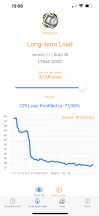
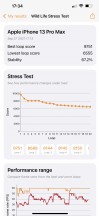
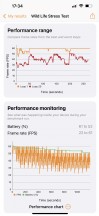
APSI Bench Long-term load CPU test • 3DMark Wild Life stress test
The biggest camera update ever
The iPhone 13 Pro Max features what Apple calls the 'biggest camera update ever on an iPhone', a feat it shares with the smaller 13 Pro. The claim sounds justified even simply by looking at the spec sheet - all three rear cameras are new and improved in one way or another.
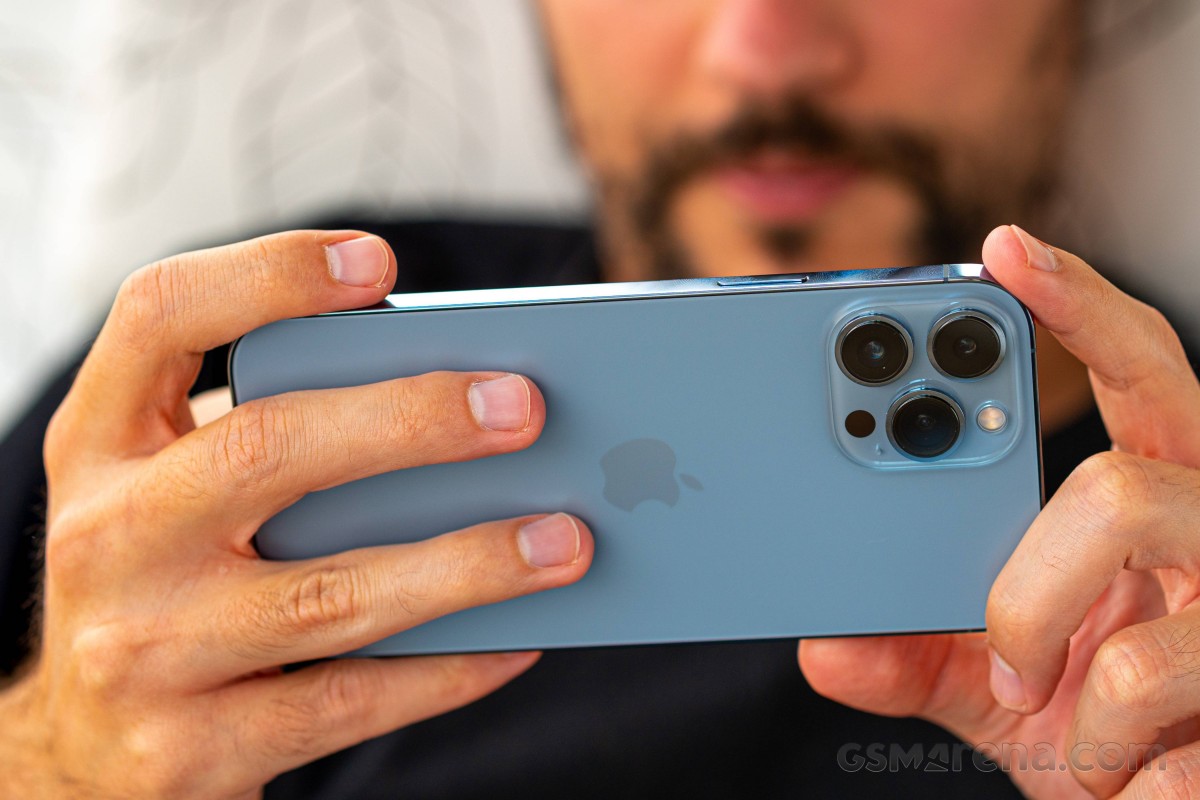
The primary camera on the back uses a new 12MP sensor with larger pixels - the pixel pitch is now 1.9µm, up from the 1.7µm of last year's Pro Max. These are the largest single pixels in a smartphone, larger than the 1.8µm of the Xperia 1 III, though Tetrapixel (Quad Bayer) and Nonapixel designs can counter that with effective pixel sizes up to 2.8µm on the Mi 11 Ultra. Apple doesn't reveal the overall size of the sensor, but it's a little bit larger than the Xperia's Type 1/1.7" - so comfortably smaller than the Mi's 1/1.12".
Apple introduced sensor-shift image stabilization on the 12 Pro Max, and the main camera on all 13s is stabilized this way. The lens is only left with focusing to deal with. It's got a super bright f/1.5 aperture and a 26mm equivalent focal length.
The telephoto is nowhere as bright - in fact, the f/2.8 aperture on this one is the sole camera downgrade compared to last year's model (f/2.2). The upgrade here is in the reach - the now-77mm equivalent lens offers 3x zoom, up from the 12 Pro Max's 2.5x. Apple doesn't advertise the pixel or sensor size of this 12MP imager, but with the tradeoff between focal length and aperture, it's not inconceivable that it's the same 1/3.4" size as before.
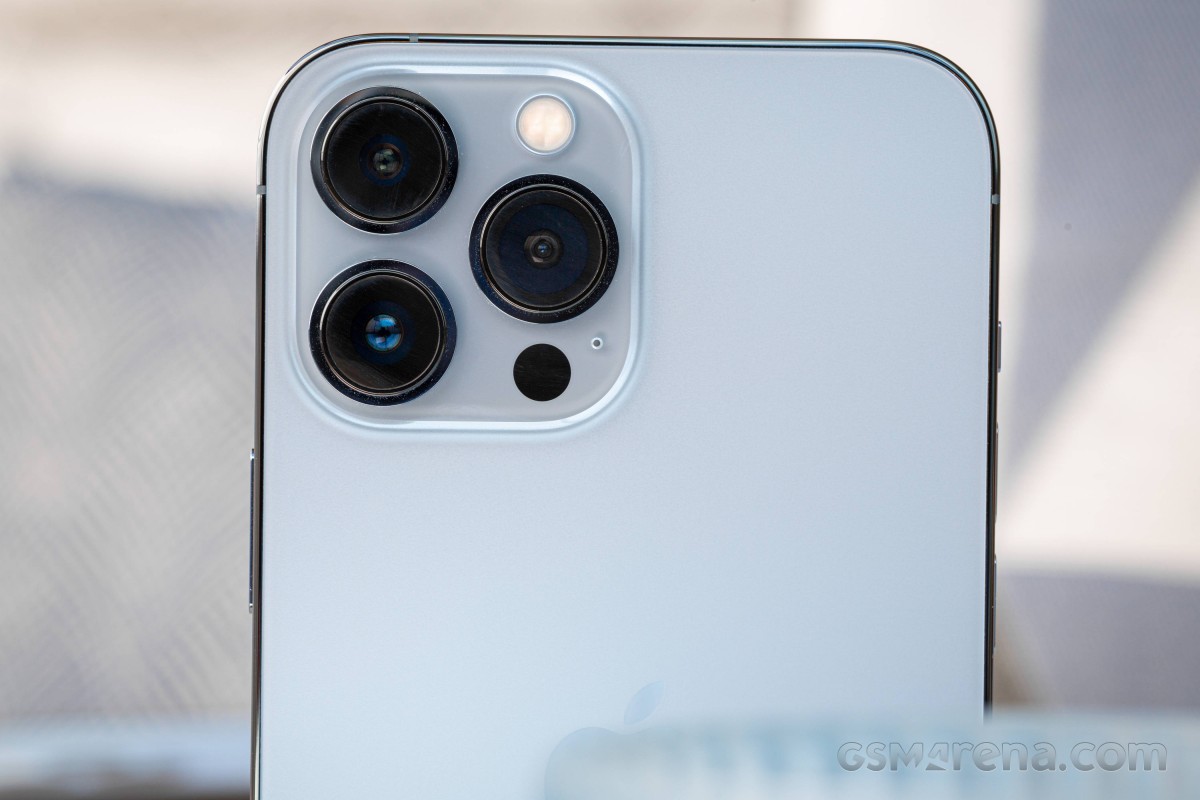
No word on the 12MP ultrawide's sensor size either, but there are significant upgrades to the optics. The lens now lets in more light with its larger f/1.8 aperture (f/2.4 on the outgoing model), but the most important development here is the addition of autofocus. No longer locked at infinity, the new lens can focus far and near alike, enabling the use of the ultrawide camera for closeups.
There's also a LiDAR scanner that assists the main and portrait cameras with detailed depth maps for portraits and faster autofocus in low-light conditions. Depending on how you look at it, you might say this is the iPhone's fourth camera.
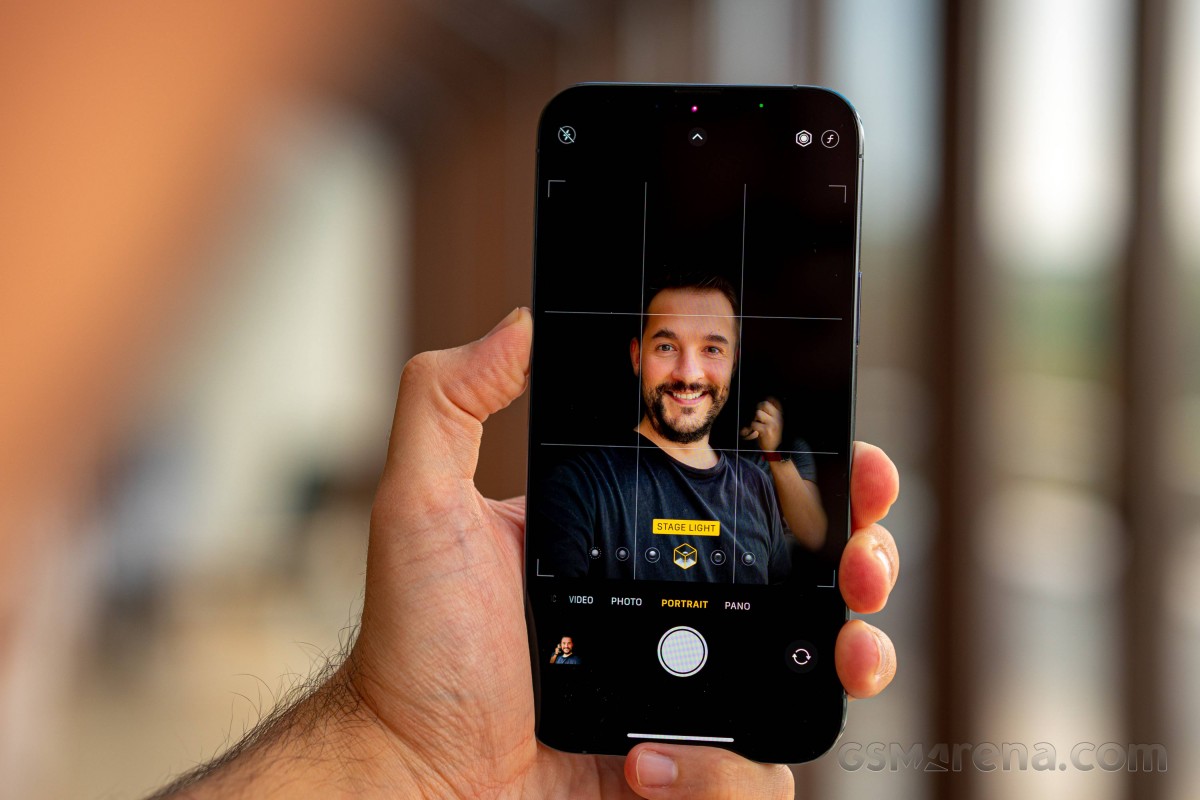
One thing that hasn't changed is the selfie camera. It's the same 12MP unit with a 1/3.6" sensor and a 23mm focal length f/2.2 aperture lens. There's no autofocus here, unfortunately. The structured light 3D scanner for FaceID also helps out for Portrait mode here.
Camera app and features
The viewfinder has been mostly the same since the iOS 13 and the iPhone 11. It lets see outside of the frame being captured when using the main and the telephoto cameras thanks to the precise calibration between the three modules. If, however, you find the feature distracting, you can turn it off.
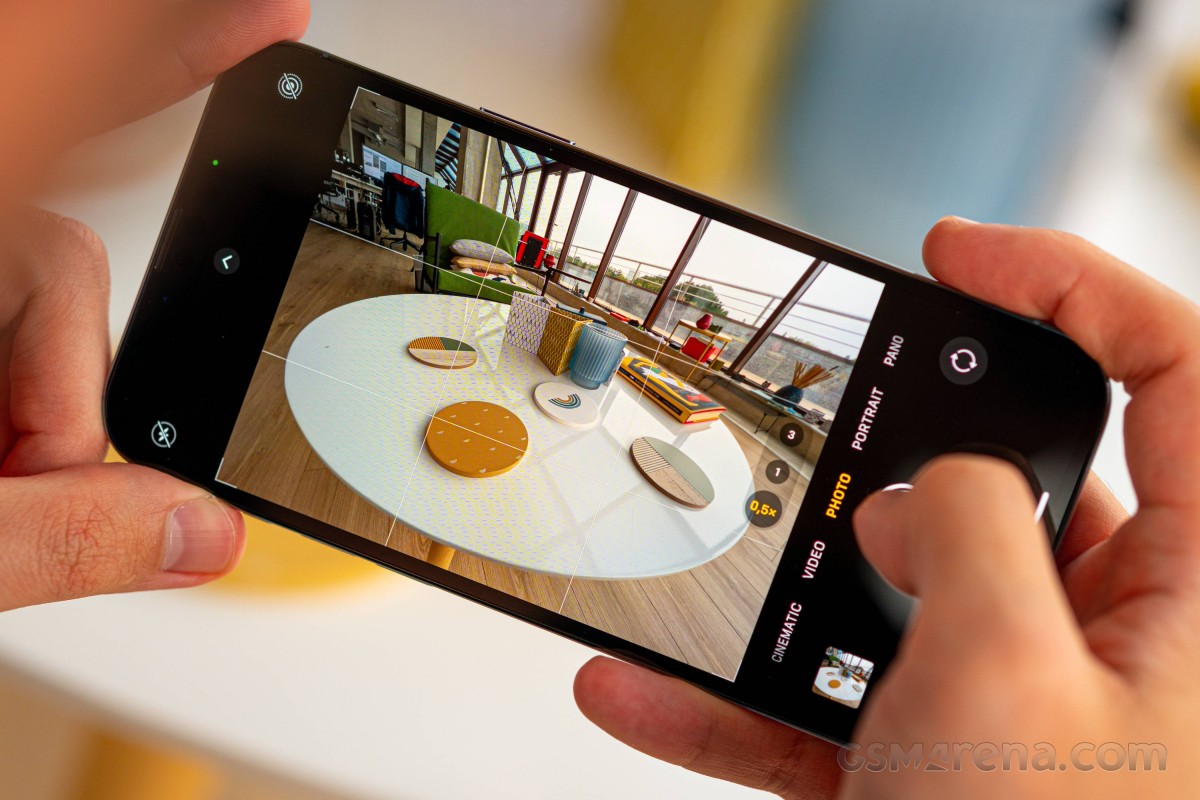
The Apple image processing includes all legacy features like Smart HDR, Night Mode on all cameras, and Deep Fusion.
The Night Mode icon pops up automatically when a low-light scene presents itself, and it will take a pseudo-long-exposure shot, handheld, of course. You will see the seconds suggested next to the Night Mode icon, but if you tap on it, you can change the simulated long exposure or altogether disable it. Usually, it's between 1 and 2 seconds, but sometimes the phone allows you to go for up to 30 seconds, depending on the available light. You can use this mode on all four cameras.
Deep Fusion is used when light conditions aren't ideal, say, indoors. It triggers instead of Smart HDR and Night Mode. Deep Fusion uses four frames before you hit the shutter, four more once you do, and one long exposure shot. The Neural engine will select the best frames and create a high-quality HDR photo that is very detailed, sharp, and more natural-looking. The Neural processor's machine learning magic analyzes the image being taken and processes them differently depending on what's in the frame - say, sky, foliage, or skin tones. Meanwhile, structure and color tones are based on ratios obtained by the Neural unit on the A15 CPU.
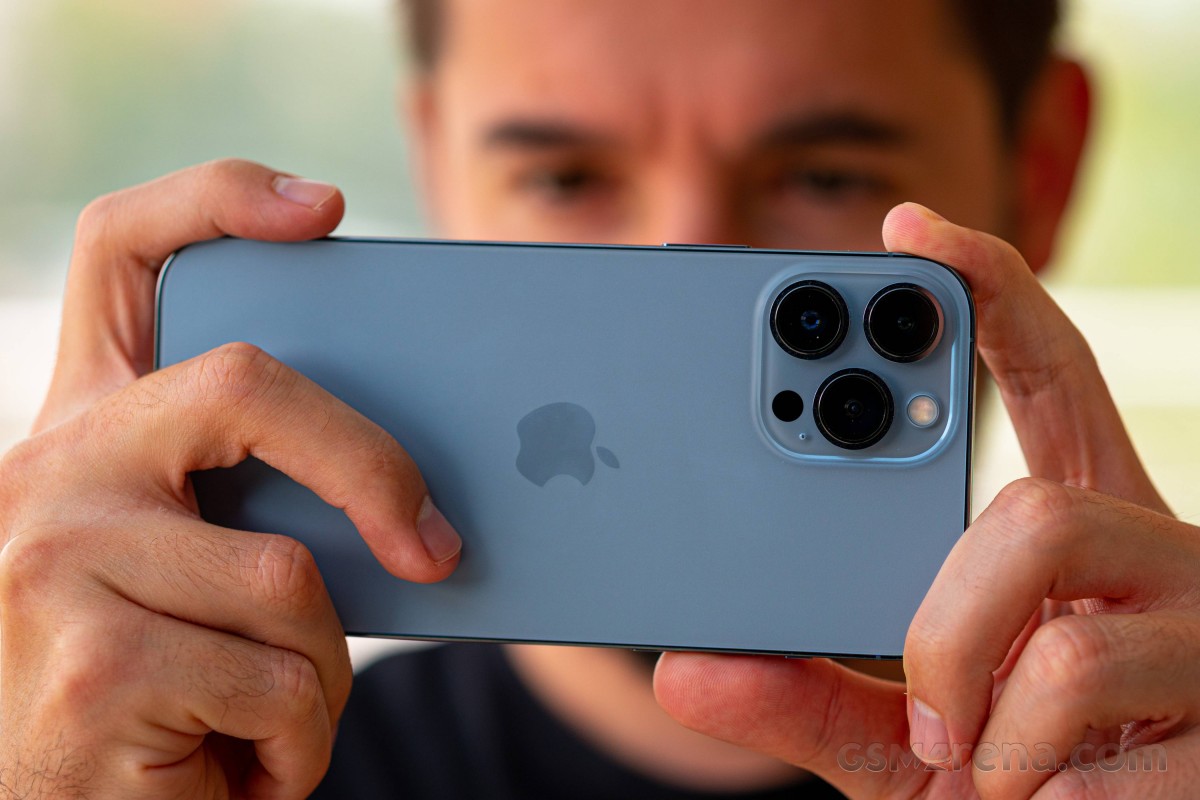
As usual, all cameras talk to each other, so they already know the correct exposure and tone mapping settings when you switch between them. This applies to both stills and videos.
The camera interface is mostly unchanged. You swipe between modes and have a couple of settings you can uncover with an upward swipe - flash, night mode, live photo, photo aspect, exposure compensation, and filters. In video mode, you can change the resolution and frame rate from the viewfinder.
It's from this interface that you can access the new feature called Photographic Styles. Don't call it filters (because there are filters too) - this one supposedly automatically edits a photo, one element at a time, applying different corrections to different elements in the frame. You can choose between Standard, Rich Contrast, Vibrant, Warm, and Cool. You can tune each of these modes by your liking and set your preferred one as default.
Portrait mode is available on the main and the telephoto cameras on the back, as well as the selfie cameras. There is no RAW mode on the iPhone 13.




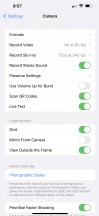
Camera UI
The new hardware and software on the iPhone 13 generation enabled another interesting camera feature - Cinematic Mode. It's sort of a portrait mode for video - it selectively blurs parts of the frame and does automatic rack focus between them based on the subjects and their interaction. The phone records a depth map alongside the video, so you can change the focus point manually after the fact. Editing such videos is possible in iMovie and Clips apps.
Another new 'feature' is the ability to take close-up shots. Enabled by the ultrawide's camera newfound autofocusing capability, it's an option you only get on the iPhone 13 Pro and Pro Max, but not on the non-Pros.
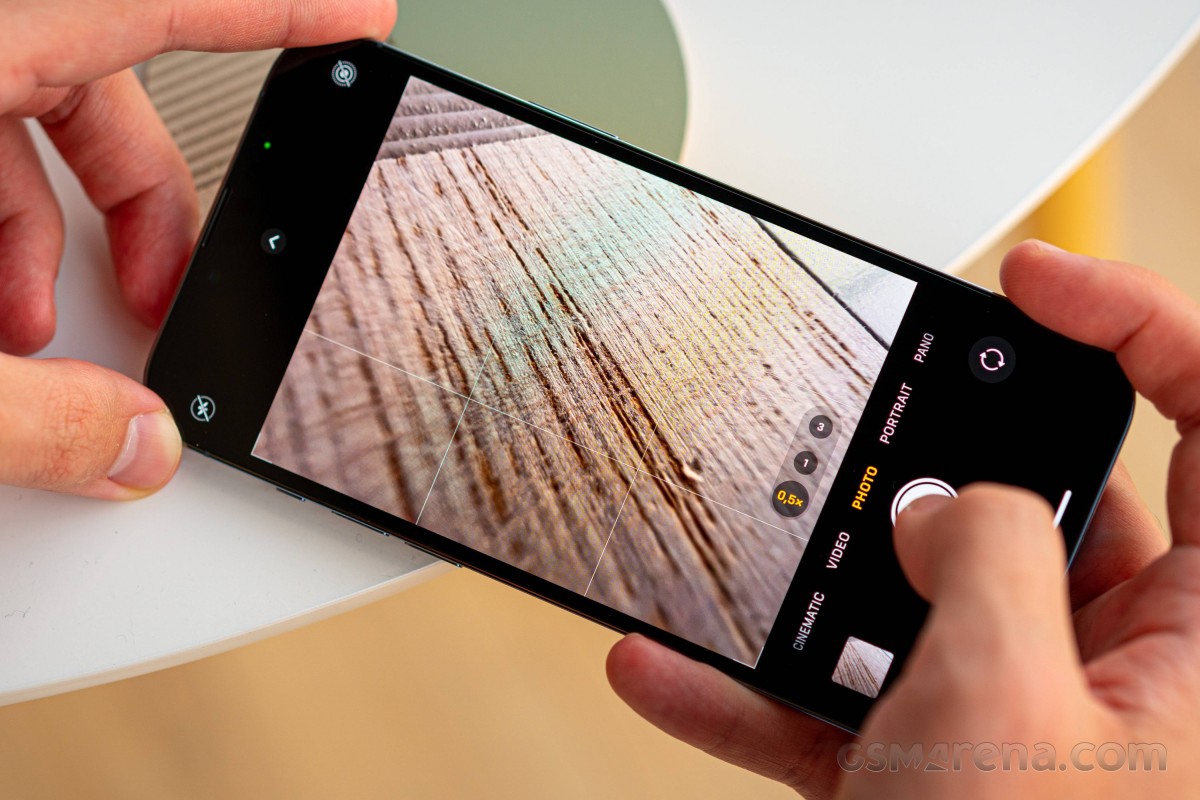
That comes with a potentially infuriating side effect that the phone will quietly switch from the main to the ultrawide when you go below the main camera's minimum focus distance threshold while maintaining the main camera's field of view - upscaling and all that. There's more to it, however - the 13 Pro Max will also switch from the tele to the main camera in a similar situation.
That's a brand new behavior with this one, the 12 Pro Max doesn't practice this switching, and it's not like there's a new development with the focusing capability and relationship between the tele and the main units. We couldn't find a setting to turn off the auto-switching, but Apple has allegedly promised they will add one with an update later this fall.
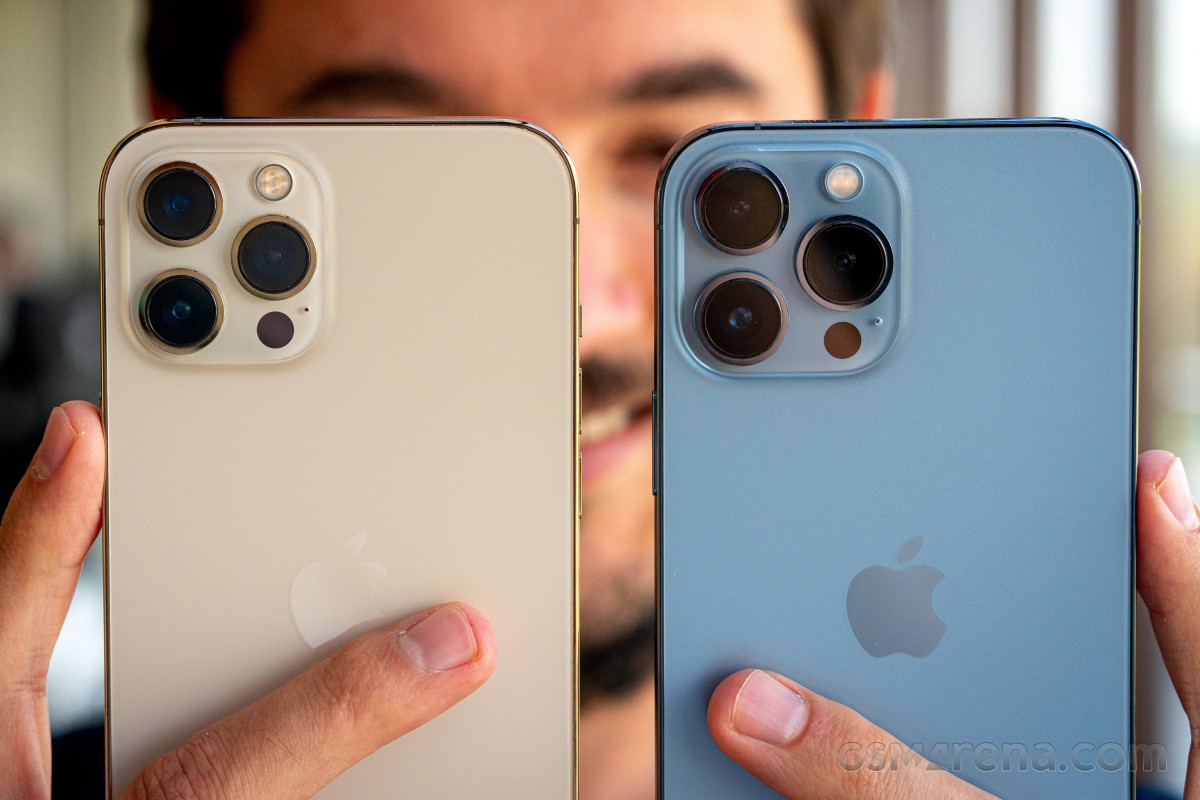
Daylight image quality
For all the new hardware, the iPhone 13 Pro Max takes very iPhone-y photos - no dramatic changes here. We're talking accurate if somewhat unexciting colors, and wide dynamic range, but not in-your-face HDR - iPhones prefer a more contrasty look.
Detail is good - as good as any other 12MP main camera, really. You may not agree with its rendition of intricate textures like grass or leaves when detail outresolves the sensor, but that's what 12MP can do. Noise, meanwhile, is nearly non-existent.












Daylight samples, main camera (1x)
If you want to spice up and de-iPhone-ize your images, you can always resort to using Photographic Styles, where you can tweak basic global parameters and achieve a more expressive look.















Photographic styles: Standard • Rich Warm • Vibrant • Warm • Cool
The new telephoto camera maintains the overall vibe of the main one and delivers quality images. They're sharp and detailed, while noise is minimal. Dynamic range is good, contrast is high, and colors are restrained but likable overall.








Daylight samples, telephoto camera (3x)
The ultrawide, for the most part, continues with a similar quietly competent performance. Global properties are on par with the others, so colors and dynamic range are a great match. On a pixel level, however, we're seeing some extra softness in these shots and an uptick in noise.








Daylight samples, ultrawide camera (0.5x)
The ultrawide's newly added autofocusing capability means you can now use it to emphasize perspective and show how subjects relate to their environment.



Daylight samples, ultrawide camera (0.5x)
Macro
Stick the 13 Pro Max even close to your subject, and you can get 'macro' shots. Well, technically not macro, but quite extreme closeups. A major issue when doing this is that because of the wide focal length and the resulting very close proximity of the phone to your subject, lighting gets tricky. There's also the matter that the depth of field at such tiny focus distances is minuscule, and when you add field curvature to that (the plane of focus isn't strictly a 'plane'), you get blurry results. Still, with careful lighting, framing, and a steady hand, you can get some pretty impressive closeups with the iPhone 13 Pro Max.











Close-up samples
Low-light image quality
Shooting with the main camera in the default Auto Night mode state, you'd be getting generally excellent low-light images, albeit with less of the familiar 'Night mode' brightened up aesthetic that other makers' Night modes deliver. Indeed, the 13 Pro Max isn't as aggressive at restoring highlights, nor does it boost shadows quite as much, but opts for a more true-to-life balanced look - or so the narrative goes.
White balance and color saturation are on point most of the time, although a particular type of street lighting might produce results that are off to orange.
Detail is very good outside of the tonal extremes, where Apple's vision of Night mode refuses to engage - some deep shadows or light sources will be better developed by other Night modes.
















Low-light samples, main camera (1x), Auto Night mode
Manually turning off Night mode will take away some of the color saturation, and with it - the orange cast in those couple of scenes. Some minor tonal changes can also be seen in the highlights and shadows, but either there's still some Night mode in action despite us turning it off, or the Night mode above is very subtle. Overall, there's not much point in disabling Night mode.








Low-light samples, main camera (1x), Night mode off
At the 3x zoom level, the iPhone 13 Pro Max will still revert to its primary camera if it deems the scene is too dark. There are also instances when a Night mode photo will be taken by one camera and the non-Night mode - by another.
Overall, the images are decent, but nothing remarkable. You do get good sharpness and detail in reasonably lit scenes captured on the actual telephoto, not so with the main camera-sourced ones. In any case, these tend to be underexposed for our liking, which is a shame because we see reserves in highlight dynamic range, which could accommodate a boost in exposure.








Low-light samples, telephoto camera (3x), Auto Night mode







Low-light samples, telephoto camera (3x), Night mode off
The ultrawide camera of the iPhone 13 Pro isn't a miracle worker but is a noticeable step up from the one on the iPhone 13 or the iPhone 12 Pro Max. Photos taken in Auto Night mode have good sharpness and detail as ultrawides go. Again, we'd probably prefer a brighter exposure, or at least brighter shadows, but that's not the iPhone way. Colors are accurate, except under that one specific street lamp, and there's no desaturation.








Low-light samples, ultrawide camera (0.5x), Auto Night mode
Switch off Night mode, and the shadows go darker - expectedly. There's some loss of color pop too. Overall, definitely use Night mode on the ultrawide.








Low-light samples, ultrawide camera (0.5x), Night mode off
Once you're done with the real-world samples, head over to our Photo compare tool to see how the Apple iPhone 13 Pro Max stacks up against the competition.

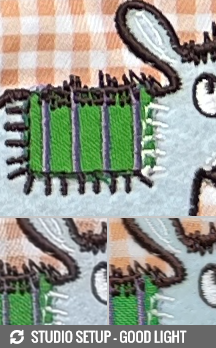
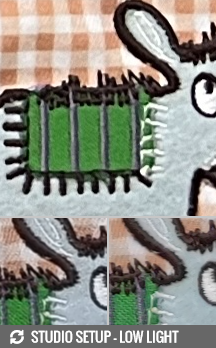
iPhone 13 Pro Max against the Galaxy S21 Ultra 5G and the Xiaomi Mi 11 Ultra in our Photo compare tool
Portrait mode
The iPhone 13 Pro Max can take portraits with its main cam or the telephoto. The pros of each are well known - the main camera will get you higher quality images in all situations, but especially in low light; the telephoto lets you stand further back from your subject and has a more 'portraity' perspective - and the cons are the opposites.
Subject separation is typically very good though the phone will start blurring your subject's shoulders even though they may be in the focal plane of their face. Skin tones are really nice and warm, detail is great, and dynamic range is excellent too.







Portrait mode samples, 1x
The telephoto camera isn't quite as good, and even in broad daylight, it may give you slightly soft images. 3x portraits are also more prone to small mishaps in subject detection, particularly along the borders between clothes and background, but we didn't observe any actual blunders. It's easily the more appealing perspective as it avoids the bulging faces you'd be getting out of the wide, 26mm main camera. Dynamic range and colors remain superb.







Portrait mode samples, 3x
Overall, the iPhone 13 Pro Max is a wonderful camera for people shots, whether it's in Portrait mode or general Photo mode, and regardless of which camera is being used.
Selfies
And yes, that applies to the selfie camera as well. This one isn't quite as warm and saturated in its overall reproduction but still maintains a likable rendition of skin tones when presented with this reviewer's mug. Exposure and dynamic range are once again great, whatever noise there is, is not at all bothersome, and resolved detail is superb.








Selfie samples
Portrait mode on the selfie camera switches to a cropped in 7MP view, the same one that's also available for Photo mode selfies. There, that's the default view when holding the phone in a vertical orientation, and it switches to wide for landscape selfies, but here it's non-negotiable - 7MP and a crop is the only option.
Aided by the FaceID hardware, the selfie camera is capable of some excellent subject isolation in Portrait mode - truly impressive stuff, actually.








Selfie samples, Portrait mode
4K60 across the board
The iPhone 13 Pro Max can record video at up to 4K60 with all of its four cameras. 4K24 is also available across the board if you're after a more cinematic motion look. All videos are digitally stabilized - Apple calls this cinematic video stabilization, and it can't be turned off. All modes, including the 4K60, feature expanded dynamic range thanks to the Smart HDR. The slow-mo options max out at 1080p at 240fps.
You can also capture HDR videos straight into the Dolby Vision format up to the same maximum 4K60 (the previous generation was limited to 30fps). You can edit these videos on the go on your phone, you can upload them on YouTube or any other popular platform, or even send them to your friends. The Dolby Vision information is saved outside of the video stream, so the video will look normal to any non-HDR player/screen and will be color-boosted on any Dolby Vision-compatible player and display.
You also have a choice between H.265 HEVC and H.264 video encoders. The High-Efficiency mode uses H.265 and is mandatory for 4K60 and HDR footage, while the More Compatible mode (H.264) provides easier playback across different devices.
The iPhone 13s, just like the previous iPhones, capture wide stereo audio for the videos at about 192kbps.
We often praise iPhones' video quality and the situation is no different with the 13 Pro Max. Main camera footage at 4K30 is properly good in daylight. Dynamic range is excellent, while colors are lively, yet not artificially so. There's no noise to speak of, and the level of detail is very good. On that last note, while iPhones still maintain a relatively natural rendition of detail, some competitors like the Mi 11 Ultra are even more conservative with sharpening, and the iPhone is no longer the king of... natural-looking footage.
4K60 on the main cam, as well as on all other cameras, is as good as 4K30 - there's no quality penalty to be paid for the extra smoothness if you prefer to shoot that way. The same goes for 4K24 - you won't be able to spot a difference between frame grabs from the three frame rates.
The telephoto's output is essentially the same as the main camera's - only, of course, zoomed in 3 times.
The ultrawide continues with similarly strong performance. Global properties remain on the same level as out of the other two cameras, so there's great parity in terms of color, exposure and dynamic range. Detail is also very good, superior to a Galaxy S1 Ultra. What the iPhone can't rival here, however, is the Mi 11 Ultra, which is distinctly crispier. Solid output from the iPhone, still.
Low-light videos out of the main camera aren't too shabby either. Exposure and dynamic range are on point, colors are accurate and not desaturated. Detail is good, but not great - there's a certain softness when you look at 1:1. Again, the big-sensor Mi 11 Ultra is superior in sharpness and detail here though it can't seem to match the iPhone's dynamic range.
3x zoom in these light conditions is, in fact, sourced from the main camera, so it's no surprise that it's pretty mushy. You should try to find better-lit scenes for your nighttime video capture.
The view from our office at night is a very demanding scene, particularly so for an ultrawide camera, so don't be too hard on the iPhone for what you're seeing. In fact, it does a decent job with exposure and dynamic range, though pixel-level scrutiny is best avoided. Again, this scene is rendered more competently by the big-sensor ultrawide of the Mi 11 Ultra.
On to stabilization. While all of the above clips are stabilized even though they're shot on a tripod - because you can't turn off EIS on iPhones, a hand-held test does reveal that, as always, the iPhone 13 Pro Max delivers superb stabilization.
The main and the ultrawide cameras iron out walking shake proficiently. They'll also stay planted on your subject if you're just pointing the phone in one direction and have no issues with panning. The telephoto is similarly very well stabilized.
We gave Cinematic mode a try on the 13 Pro as well. The mode simulates rack focus automatically and is shot in 1080p resolution at 30fps. This mode is available on the main and telephoto cameras on the back, as well as on the selfie camera.
Essentially a Portrait mode for video, Cinematic mode simulates blur for everything that should be out of focus. The depth map is created in real time and an algorithm automatically decides which subject should be on focus based on their location in the frame and the way they interact.
The depth map is captured outside the clip, and you can easily edit these clips in iMovie or Clips. You can change the simulated aperture, the subject that gets the focus, and more. So, if the Auto mode doesn't get it right, nothing is lost - since it's all done by software, you can fix everything later.
The video quality is very good, and on the Pro Max, we found the automatic transitions to work better. In any case, if you know what you are doing and don't mind some post-processing, you can make pretty awesome clips.
Here's a glimpse of how the Apple iPhone 13 Pro Max compares to rivals in our Video compare tool. Head over there for the complete picture.
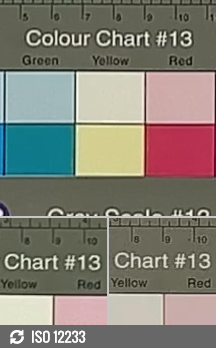


iPhone 13 Pro Max against the Galaxy S21 Ultra 5G and the Xiaomi Mi 11 Ultra in our Video compare tool
Competition
What makes an iPhone competitor? Can Androids be on that list, excellent as they may be? Aren't the 13 Pro Max's rivals made mainly by Apple, whether this year or last? So many questions.
The biggest camera update ever on an iPhone might go unnoticed if you don't take photos of small things from up close and if you don't go out at night and if 2.5x zoom is the same as 3.0x to you (it probably objectively is). Then there's the matter of the unified processing that renders hardware differences smaller than they seem. And if you can't see the difference between 120Hz and 60Hz (or care for it), or if your battery life is good enough - which, let's face it, it is on your 12 Pro Max, then perhaps don't upgrade from the 12 to the 13 and wait for the major updates expected on the 14.
On the other hand, if all of the above sounds like actual improvements to you, then you have plenty of reasons to justify your thirst for yearly upgrades in front of less enthusiastic folk. Arguably more so than usual, in fact.
Conveniently, if you're after a big iPhone now and coming from an older Apple or from outside the orchard entirely, the 12 Pro Max has been discontinued in most parts of the world, so that's easily settled - 13 Pro Max it is.
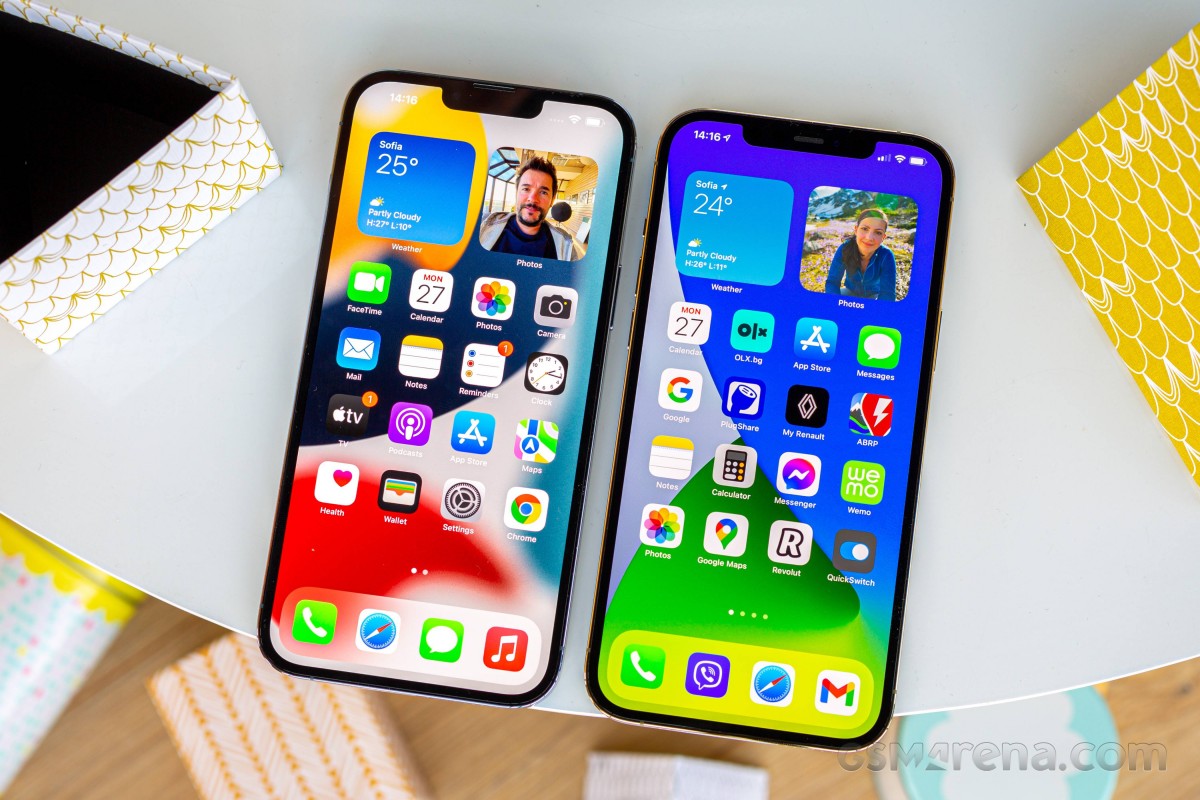 iPhone 13 Pro Max (left) next to iPhone 12 Pro Max
If the 'big' part isn't as important, the 13 Pro will mostly deliver in the other areas - it has the latest cameras and the 120Hz display. Battery life may not be as earth-shattering on the small one, and that's the only potential drawback for going small that we can think of.
The 13 non-Pros make less sense in this context since they don't bring nearly as much to the table as their more advanced stablemates. Then again, there will be those that just want any new iPhone, or the smallest new iPhone, or the very likely last iPhone mini - the 13 and 13 mini will serve those just fine.
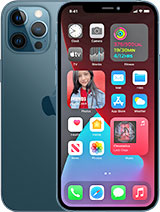
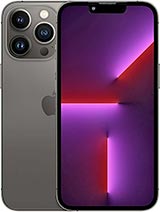
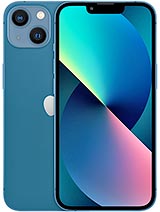
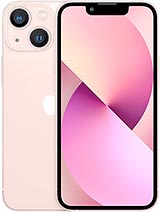
Apple iPhone 12 Pro Max • Apple iPhone 13 Pro • Apple iPhone 13 • Apple iPhone 13 mini
Things get trickier if you're open to cross-platform comparisons. The iPhone 13 Pro Max's position as the ultimate iPhone means it faces other all-out efforts from the Android side of the divide, and no rival is more apparent than the Samsung Galaxy S21 Ultra.
Such clashes are hard to evaluate strictly on the merits, and these two are particularly similar, polar opposites as they may be. Industry-leading displays on both, battery life to spare, camera performance that won't leave you wanting - with minor differences in priorities, of course. It boils down mostly to matters of the heart here - the Galaxy isn't universally likable in its looks, and neither is the iPhone, and the locked-in iOS vs. do-whatever-you-want Android debate can split people.
This next one is probably not really an option for a huge chunk of prospective iPhone 13 Pro Max buyers, but we can't help but mention the Xiaomi Mi 11 Ultra. Apple's biggest camera update mandates a comparison against our current cameraphone reference standard, and, purely as an image capture device, the Mi still reigns supreme in our book. It's a properly good phone altogether as well, with little to complain about on the fundamentals. If anyone is faced with this dilemma, philosophical arguments like OS and design are likely to be the key to its resolution, again.
Other more unorthodox alternatives exist, of course. The vivo X70 Pro+, for example, offers a compelling camera system with wide-ranging capabilities. The Oppo Find X3 Pro's sexy curves are just the opposite of the iPhone's flat everything, and it's got a microscope under its belt. The Galaxy Z Fold3 is two devices in one - a phone and a tablet, always in your pocket (it does need to be a big pocket, though).
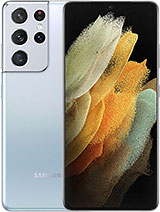
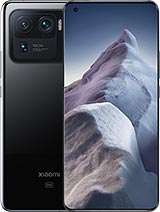
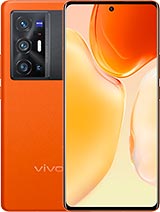
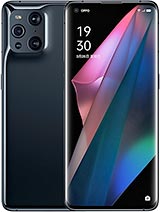
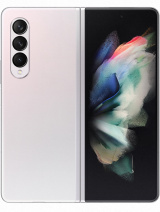
Galaxy S21 Ultra 5G • Xiaomi Mi 11 Ultra • vivo X70 Pro+ • Oppo Find X3 Pro • Galaxy Z Fold3 5G
Verdict
The best iPhone to date isn't perfect. It's got recycled looks and an eyesore of a notch, and it weighs as much as a phone and a half. The high refresh rate implementation isn't great in the early days, the powerhouse that is the A15 chipset tends to throttle a lot, and Apple still has work to do to put any meaning behind 'fast' in its 'fast charging' claims. Then there's the matter of iOS, which will forever remain a dealbreaker to some.
But it's still the best iPhone ever, this 13 Pro Max. The display is properly gorgeous, and 120Hz support in apps will eventually pick up. Battery life is the longest we've seen on an iPhone and in its present state is among the best on a top-class smartphone. The chipset is plenty powerful to outpace anything even in its throttled state. And then, there's the cameras - not quite the absolute best in existence, but they all just work and do so all the time, every time.
A new iPhone purchase is hardly ever rooted entirely in reason. But even setting emotion aside as best as we can, it's hard to argue with what the iPhone 13 Pro Max has to offer.
Pros
- Outstanding design - sturdy and water-proof.
- Brightest OLED screen we've seen, super accurate, Dolby Vision, sort of 120Hz.
- Class-leading battery life (with 60Hz caveats).
- Loud stereo speakers, excellent output.
- Unmatched performance.
- Great all-round photo and video quality across all four cameras.
Cons
- Stale looks, the notch should have been gone by now.
- An absolute unit of a phone, 240g is a lot and a case doesn't make it smaller or lighter.
- 120Hz refresh rate barely functional at phone's launch date.
- The chipset is prone to heavy throttling under max load.
- The fast charging isn't very fast.
- iOS (with its limitations) remains a love it or leave it affair.

No comments:
Post a Comment